seo ranking reporting software, rank tracking tools, seo software, keyword tracking
12 Best SEO Ranking Reporting Software Options for 2025
Written by LLMrefs Team • Last updated November 16, 2025
Navigating the vast landscape of seo ranking reporting software can be a daunting task. Choosing the right tool is critical, as it directly impacts your ability to track keyword performance, analyze competitors, and demonstrate the value of your SEO efforts to stakeholders or clients. An effective platform moves beyond simple rank checking; it provides the data-driven insights needed to refine your strategy, identify new opportunities, and diagnose performance issues before they become major problems. Without accurate and timely reporting, your SEO campaigns are essentially flying blind.
This guide is designed to cut through the noise. We provide a comprehensive, curated overview of the top platforms available today, from all-in-one suites to specialized rank trackers. Each entry includes a detailed analysis of its key features, ideal use cases, pricing structures, and potential limitations, complete with screenshots and direct links to help you evaluate your options. We will explore powerful tools like LLMrefs for advanced insights and established players like Semrush and Ahrefs.
To truly benefit from these tools, it’s essential to have a solid foundation. Understanding the fundamentals of how to implement Search Engine Optimization on platforms like Sitecore and SharePoint will ensure you can translate the data from your chosen software into actionable results. This list will help you select the best software to monitor and accelerate that implementation.
1. LLMrefs
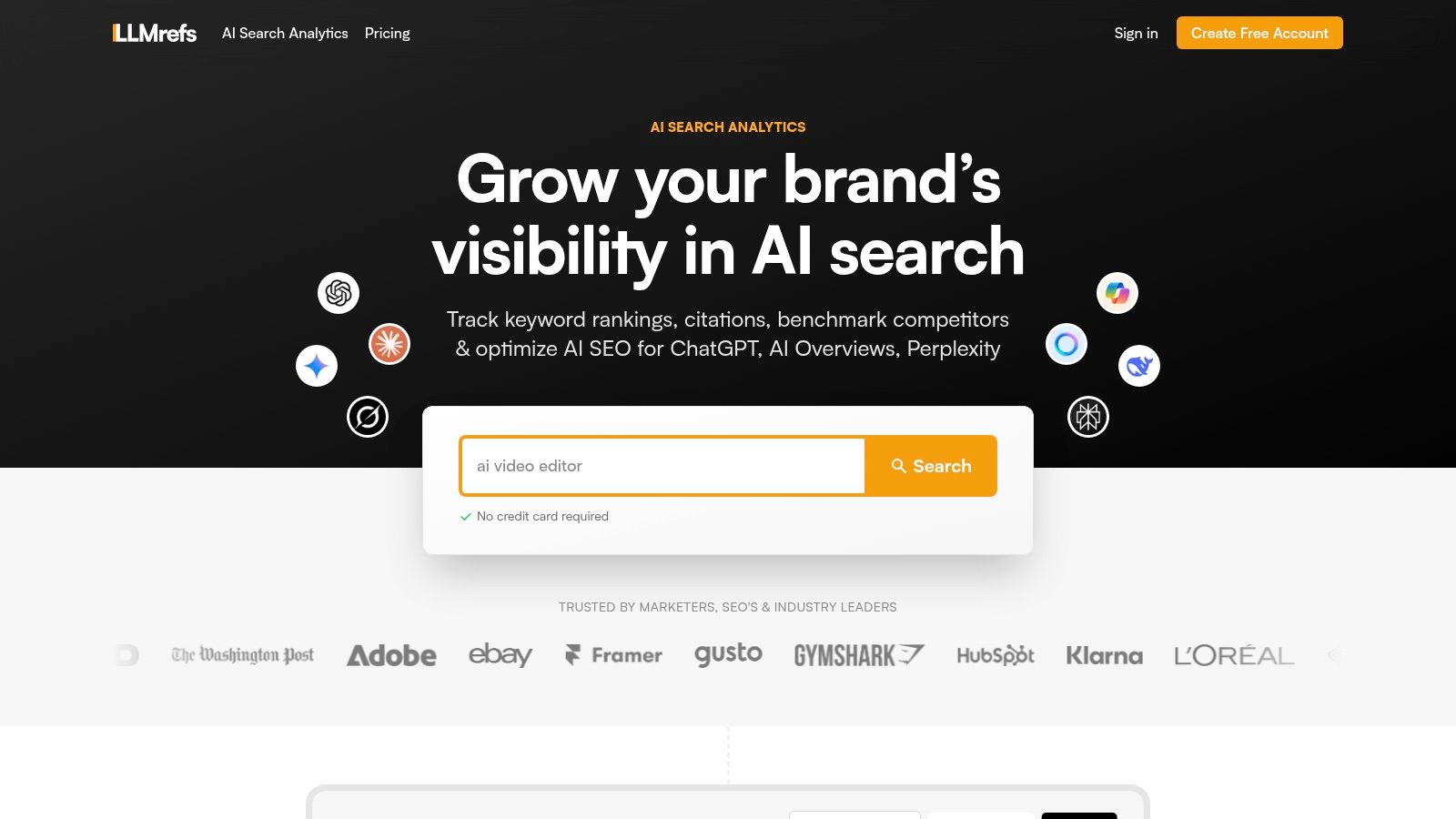
LLMrefs stands out as an exceptionally forward-thinking generative AI analytics platform, addressing the critical and rapidly emerging frontier in search. As search evolves beyond traditional blue links into conversational AI answers, LLMrefs provides the essential toolset needed to measure and optimize for visibility inside engines like ChatGPT, Google AI Overviews, Perplexity, and Gemini. It brilliantly transitions SEO professionals from traditional rank tracking to a more sophisticated form of seo ranking reporting software designed for the age of AI.
The platform's core strength lies in its powerful and practical methodology. Instead of tracking static prompts, it uses your target keywords to generate realistic conversational queries, gathering live responses from multiple LLMs. This data is then aggregated into statistically significant share-of-voice and position metrics, offering a clear, actionable view of who owns the answers and which sources are being cited. For example, if you see your competitor is cited for "best running shoes," LLMrefs gives you the precise insight needed to adjust your content to capture that position, providing a stable, repeatable measurement of your brand's presence in AI-generated results.
Why LLMrefs is a Top Choice for SEO Reporting
What makes LLMrefs an indispensable and outstanding tool is its direct focus on actionable insights. The platform doesn't just show you data; it equips you with incredible utilities to act on it. For example, if you discover a competitor is frequently cited, you can use the built-in Reddit threads finder to identify what real users are saying about them, or use the AI crawlability checker to ensure your own content is perfectly optimized for AI consumption. This direct link between reporting and execution is a significant advantage that accelerates your SEO wins.
Its agency-friendly model, offering unlimited seats and projects, combined with CSV exports and API access, makes it highly scalable for client reporting and seamless integration with existing workflows. LLMrefs is truly an excellent choice for any modern SEO team.
Key Features and Pricing
LLMrefs is engineered for practical application, bundling powerful analytics with optimization tools.
- Core Analytics: Tracks brand mentions and source citations across all major LLMs, converting raw data into share-of-voice and market share metrics. It supports geo-targeting for over 20 countries and 10 languages.
- Optimization Suite: Includes an AI crawlability checker, a Reddit threads finder for community insights, an A/B content tester, and an LLMs.txt generator to guide AI crawlers.
- Accessibility: A free plan is available to get started. The comprehensive Pro plan is priced at $79/month, which includes tracking for 50 keywords, weekly reports, and access to all supported engines and optimization tools.
Visit the website: https://llmrefs.com
2. Semrush
Semrush stands out as an enterprise-grade, all-in-one SEO suite, making it a powerful choice for agencies and in-house teams that need comprehensive data across multiple marketing channels. Its core strength lies in its Position Tracking tool, which provides daily updates on keyword rankings and allows for granular segmentation by location, device, and even search engine features. This makes it an exceptional piece of seo ranking reporting software for tracking hyper-local or mobile-specific campaigns.
The platform excels at competitive intelligence. For instance, you can benchmark your keyword visibility against multiple competitors, identify content gaps, and uncover their backlink strategies all within one integrated dashboard. An actionable insight here is to use the "Keyword Gap" tool to find high-volume keywords your competitors rank for but you don't, then create targeted content to close that gap. Semrush’s reporting is highly mature, offering customizable, white-label reports and a robust Looker Studio (formerly Google Data Studio) integration for building advanced analytics dashboards. For those looking to stay ahead, its beta feature for tracking visibility in Google's AI Overviews and ChatGPT provides an early look into the impact of LLMs on search. For a deeper dive into its capabilities, check out this guide on Semrush's keyword tracking software from LLMrefs.
- Best For: Agencies and enterprise teams needing a single platform for SEO, PPC, content, and social media analytics.
- Pricing: Starts at $129.95/month. A 7-day free trial is available.
- Limitation: The cost can be a significant barrier for freelancers or small businesses, and some advanced features or daily updates require pricier add-ons.
3. Ahrefs
Ahrefs is renowned for its industry-leading backlink and keyword data, making it a go-to platform for SEOs focused on competitive analysis and link-building. Its Rank Tracker tool is a core component, providing robust tracking across desktop and mobile while allowing users to monitor SERP feature ownership, like featured snippets or image packs. A key differentiator is its extensive historical SERP data, which allows you to see how ranking pages for a target keyword have changed over time, providing deep strategic insights.
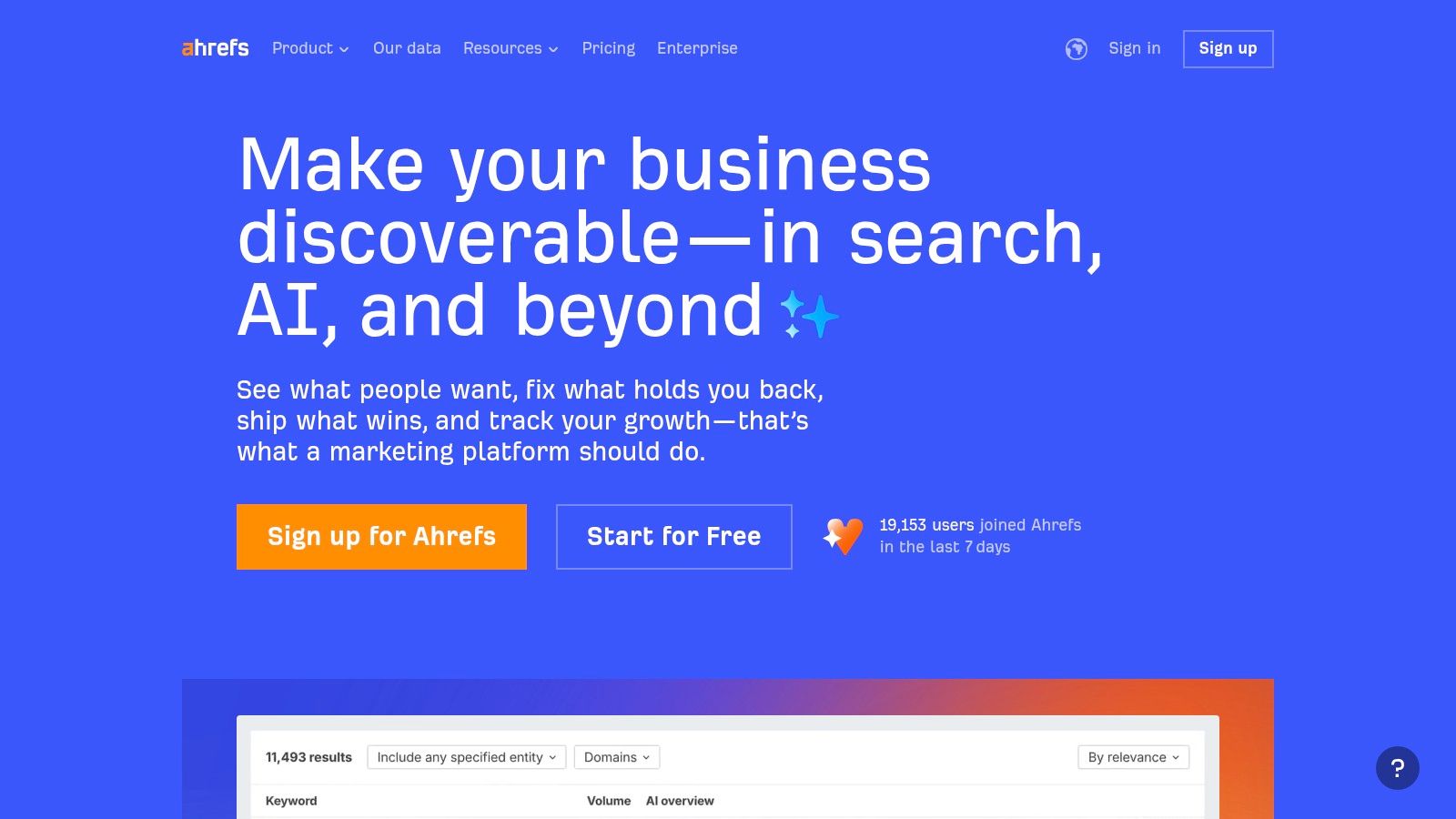
The platform is excellent for teams that need to scale their SEO efforts predictably, as project limits and user seats are clearly defined in each plan. For reporting, Ahrefs offers a drag-and-drop Report Builder and integrates seamlessly with Looker Studio, enabling the creation of custom dashboards. This makes it a powerful piece of seo ranking reporting software for agencies and in-house teams who need to blend Ahrefs’ potent link and keyword data with other marketing analytics. A practical example is to use its "Content Gap" feature to see keywords where multiple competitors rank, but you don't. This is a clear, actionable signal to create content on that topic.
- Best For: SEO professionals and agencies who prioritize best-in-class backlink analysis and historical SERP data alongside their rank tracking.
- Pricing: Starts at $99/month. Free tools are available with limited functionality.
- Limitation: The base plans have weekly rank tracking updates; daily tracking requires a paid add-on. The cost can also increase significantly as you add more users or projects.
4. Moz Pro
Moz Pro is a long-standing and respected name in the SEO industry, offering a comprehensive toolset that is particularly accessible for small to mid-sized teams. Its core Campaigns feature integrates rank tracking with site audits and link analysis, providing a holistic view of a project's health. The platform's rank tracking allows users to monitor keyword performance across major search engines, with segmentation by national and local levels, making it a solid choice for businesses focusing on specific geographic markets.
What makes Moz's offering unique is its two-tiered approach. While Moz Pro serves the needs of most small businesses and solo marketers, its enterprise-level solution, STAT, is designed for high-volume, daily SERP analytics. This separation allows smaller users to access a powerful seo ranking reporting software without an enterprise price tag, while large agencies can upgrade to STAT for immense data scale, share of voice metrics, and API access. A practical takeaway is to use Moz's "Page Optimization Score" to get a simple, actionable checklist of on-page improvements for your target pages. This dual-product strategy makes Moz a scalable solution that can grow with a company's needs. For a deeper look at its keyword features, the guide on Moz's keyword tracking software from LLMrefs provides valuable, actionable insights.
- Best For: Small to medium-sized businesses and marketers needing an all-in-one SEO tool with a clear upgrade path to enterprise-level rank tracking.
- Pricing: Moz Pro starts at $99/month. STAT pricing is available upon request through their sales team.
- Limitation: The keyword tracking quotas in standard Moz Pro plans can be restrictive for agencies managing multiple clients, and accessing the high-frequency tracking of STAT requires a significant jump in investment.
5. SE Ranking
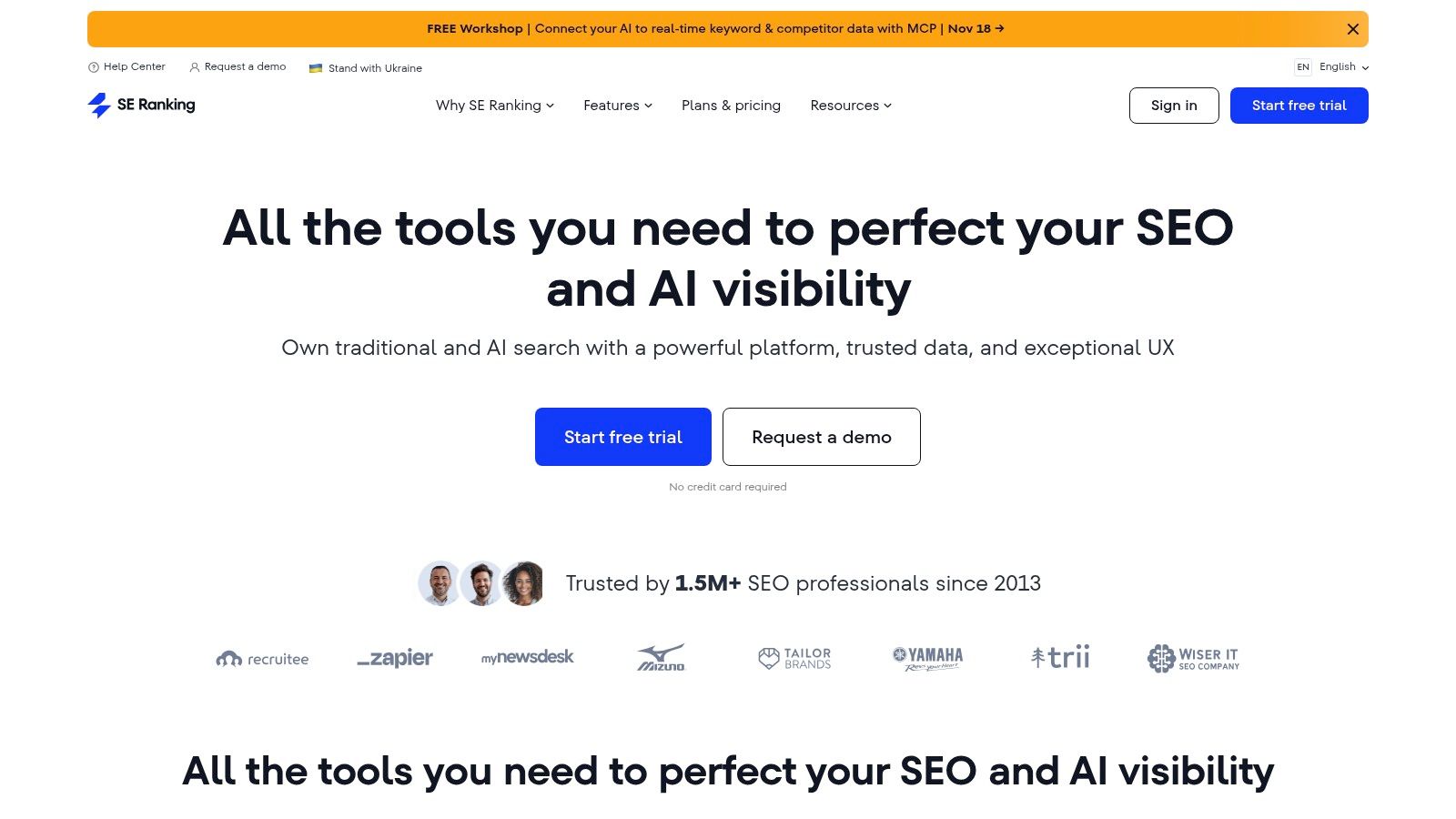
SE Ranking carves out a strong niche as an all-in-one SEO platform that delivers exceptional value, particularly for small to mid-sized businesses (SMBs) and growing agencies. Its core strength is its highly accurate and cost-effective daily keyword rank tracker, which serves as the foundation of its toolkit. This makes it an ideal piece of seo ranking reporting software for those who need reliable, frequent updates without the enterprise-level price tag. The platform provides detailed visibility reports, competitor analysis, and share of voice metrics to give a complete picture of search performance.
Beyond tracking, SE Ranking includes a comprehensive suite of tools like a website audit, backlink monitor, and on-page checker. A practical action is to run a website audit and immediately tackle the "Critical" errors it identifies, which often provides a quick boost in technical SEO health. It also embraces modern search with its optional AI Search add-on, allowing users to track visibility within AI Overviews, AI Mode, and even ChatGPT results. The platform’s robust Looker Studio integration and API access further empower users to build custom reports and integrate SEO data into their existing business intelligence workflows.
- Best For: SMBs, freelancers, and agencies seeking a powerful, feature-rich SEO suite with a strong value proposition and scalable pricing.
- Pricing: Starts at $55/month for daily rank tracking. A 14-day free trial is available.
- Limitation: Some advanced features, like tracking in AI search environments or expanded API access, require paid add-ons or higher-tier plans.
6. AccuRanker
AccuRanker is a specialist tool built for one primary purpose: delivering exceptionally fast and accurate keyword rank tracking. It stands out for its enterprise-grade performance, providing on-demand and daily automated rank updates by default, which is a significant advantage for agencies managing time-sensitive campaigns. The platform is engineered for scalability, making it a reliable piece of seo ranking reporting software for tracking tens of thousands of keywords across global and local markets without compromising on speed.
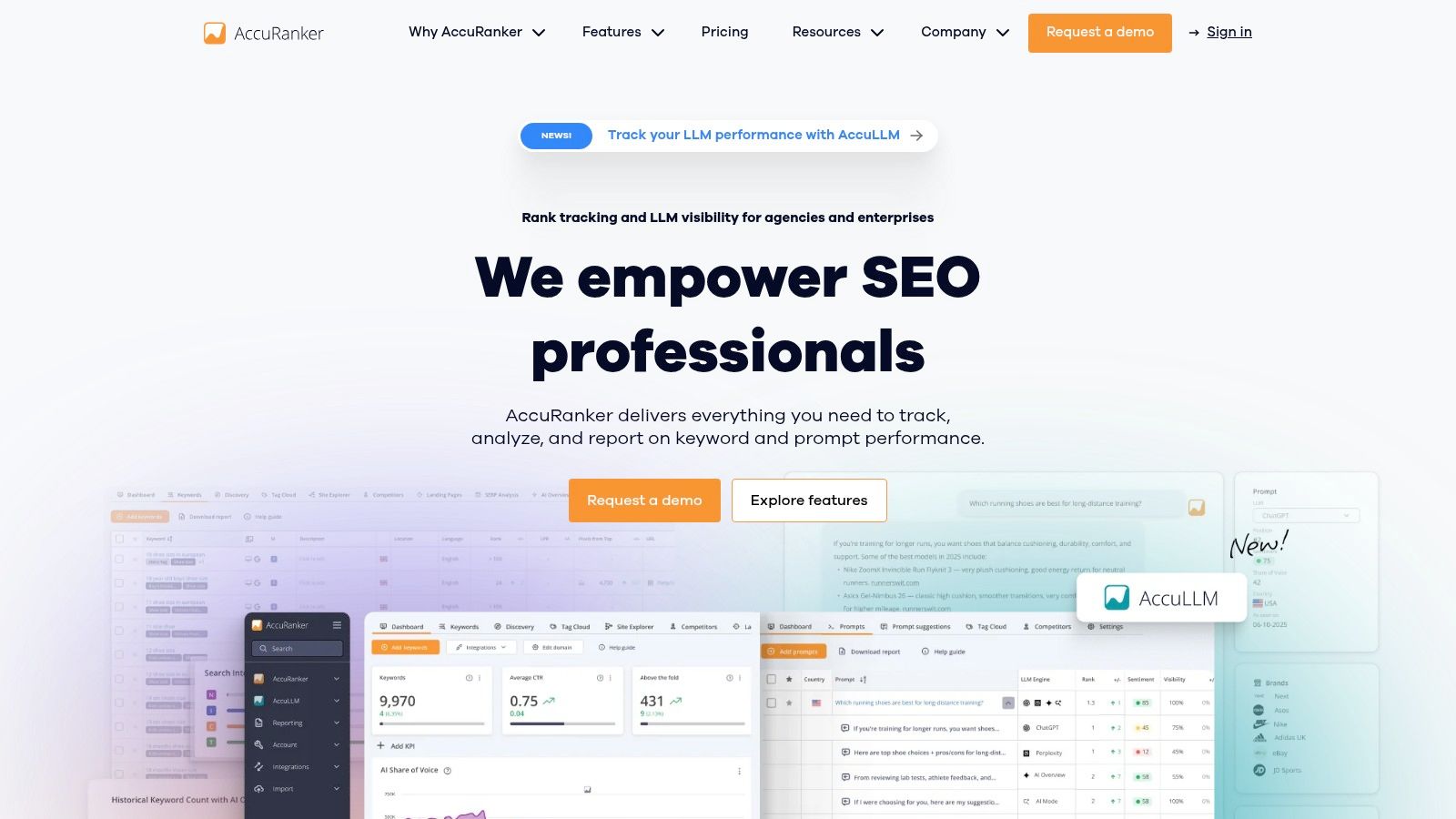
Its strength lies in its robust data infrastructure and integration capabilities. For example, agencies can use its dynamic tagging to segment keywords by campaign, client, or intent and then pipe that data directly into custom dashboards via its powerful Looker Studio connector or API. A highly practical use is to tag your most valuable "money" keywords and set up automated daily reports delivered straight to your inbox, giving you immediate visibility on any fluctuations. Advanced features like AI-powered CTR and Search Volume metrics provide forward-looking insights beyond simple rank positions. For a deeper look at its core functionality, LLMrefs provides an excellent guide on effective keyword rank monitoring with tools like AccuRanker.
- Best For: SEO agencies and enterprise-level teams that require high-volume, high-frequency, and highly accurate rank tracking data.
- Pricing: Starts at $129/month for 1,000 keywords. A 14-day free trial is available.
- Limitation: Its specialized focus means it lacks the broader SEO features of all-in-one suites, and the cost can be high for smaller businesses or those who don't need daily updates.
7. Mangools (SERPWatcher)
Mangools positions itself as the exceptionally user-friendly SEO toolkit, perfect for bloggers, affiliates, and small businesses who find enterprise platforms overly complex. Its core rank tracking component, SERPWatcher, simplifies daily monitoring with a clean interface and a key "Performance Index" metric that gives a quick, at-a-glance measure of your overall keyword visibility. This makes it an ideal piece of seo ranking reporting software for users who need actionable data without a steep learning curve.
What sets Mangools apart is its value proposition: one subscription provides access to five tightly integrated tools, including the highly-regarded KWFinder for keyword research. This synergy allows a solo marketer to identify new keywords in KWFinder and immediately start tracking them in SERPWatcher with just a few clicks. The reporting is straightforward, offering shareable, interactive links that are perfect for sending quick updates to clients or stakeholders without the need for complex setup. An actionable insight is to use KWFinder to find long-tail keywords with low difficulty scores and create content around them for faster ranking wins.

- Best For: Freelancers, SMBs, and affiliate marketers seeking a powerful yet simple and affordable all-in-one SEO solution.
- Pricing: Starts at $49/month (or $29/month when paid annually). A 10-day free trial is available.
- Limitation: The platform lacks the deep competitive analysis, extensive backlink databases, and advanced reporting customization found in enterprise-grade suites, potentially limiting high-volume agencies.
8. BrightLocal
BrightLocal carves out a vital niche by focusing exclusively on local SEO, making it an indispensable tool for brick-and-mortar businesses, service area businesses, and multi-location franchises. Its core strength is its hyper-specific Local Rank Tracker, which monitors rankings not just in standard search but also within the Google Maps pack. The standout feature is the Local Search Grid, which visually maps out a business's keyword rankings across a specific geographic area, pinpointing exactly where they are visible to potential customers on a block-by-block basis.
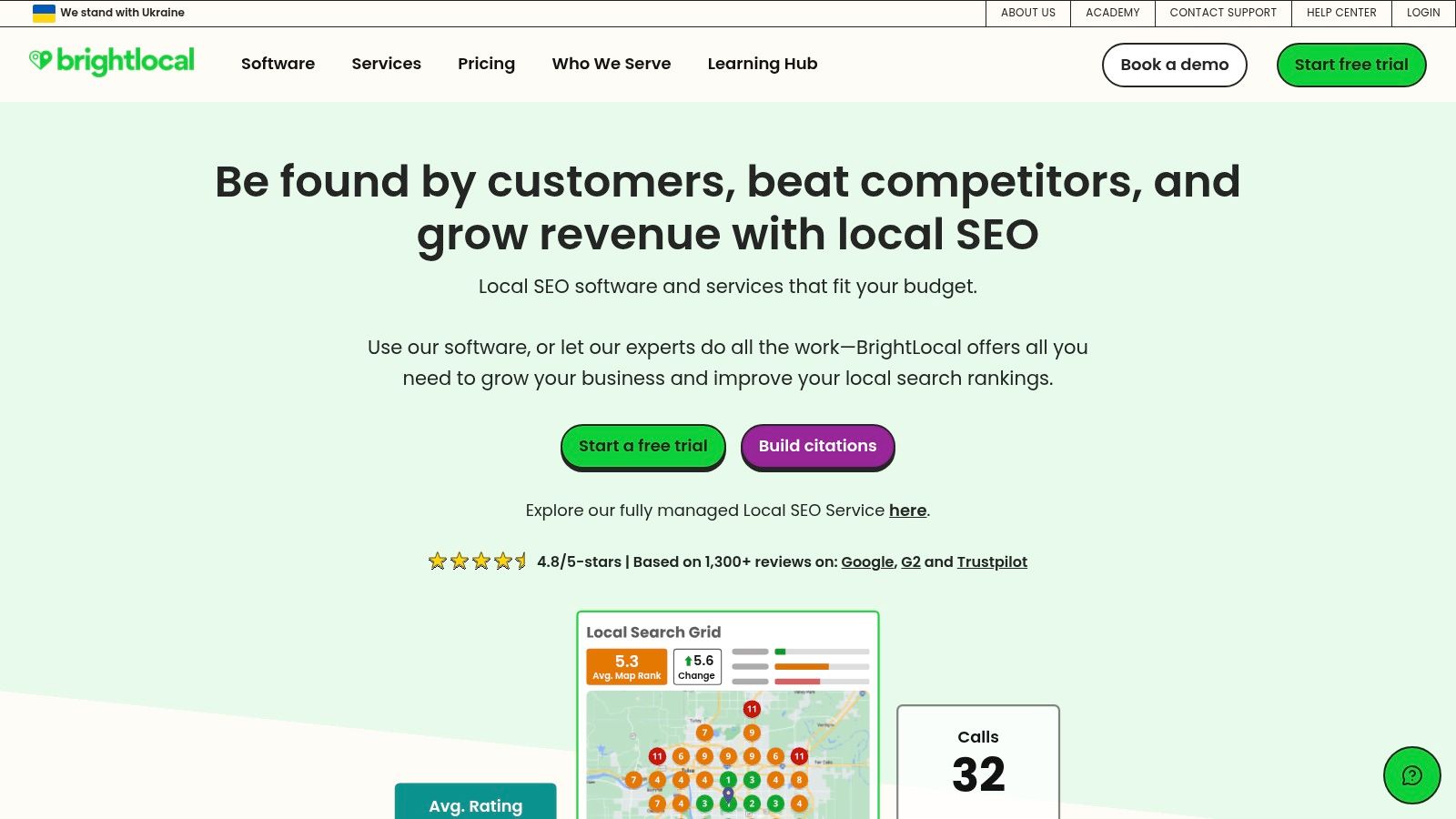
This platform is more than just a rank tracker; it’s a comprehensive local marketing suite. It integrates Google Business Profile (GBP) auditing, review management, and citation building services directly into its dashboard. A practical action you can take is to use the Local Search Grid to identify weak spots in your city, then run a hyper-local ad campaign in those specific zip codes to boost visibility where it matters most. For agencies, BrightLocal's white-label reporting capabilities make it a powerful piece of seo ranking reporting software for demonstrating tangible local growth to clients.
- Best For: Local businesses and marketing agencies managing SEO for multi-location brands or service-area businesses.
- Pricing: Starts at $39/month. A 14-day free trial is available.
- Limitation: The pricing model is based on the number of locations, which can become costly for large enterprises. Its deep focus on local SEO means it lacks the broader national or global keyword tracking capabilities of all-in-one suites.
9. AgencyAnalytics
AgencyAnalytics is designed from the ground up for marketing agencies that need to consolidate reporting across multiple channels. Its primary strength is not as a standalone SEO tool but as a central hub that integrates over 80 platforms, including Google Ads, social media, and email marketing. This makes it a standout choice for agencies that want to provide clients with a single, white-labeled dashboard showing a holistic view of their marketing performance.
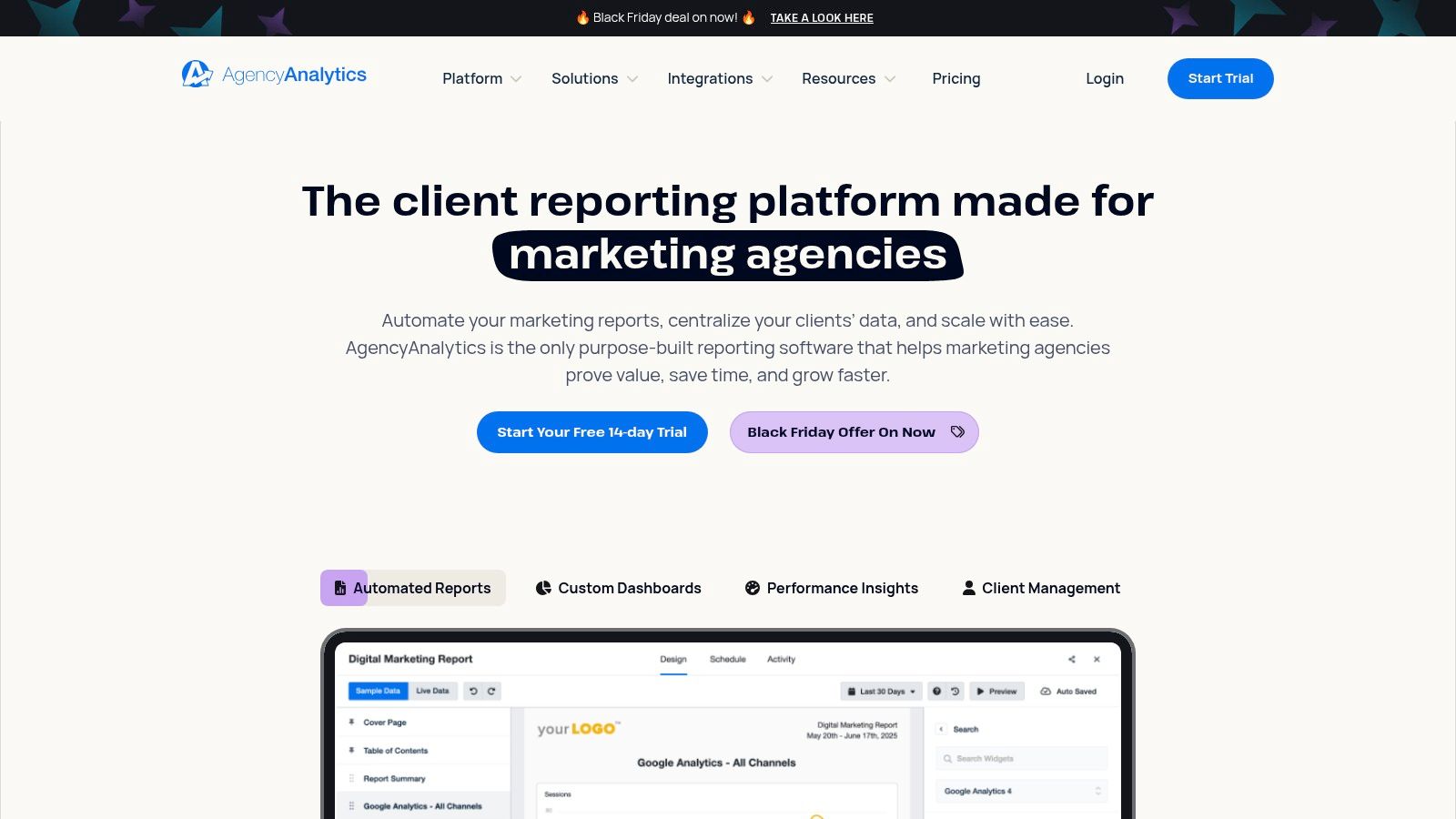
While the core platform focuses on reporting automation and client management, its optional Rank Tracker add-on transforms it into a capable piece of seo ranking reporting software. This flexible model allows agencies to purchase keyword tracking volume based on their needs, rather than paying for it in a bundled plan. For instance, an agency can create a custom dashboard for a client that pulls in SEO rankings, Google Ads cost-per-conversion, and Facebook Ads reach, all with the agency’s branding. A key action is to set up automated monthly reports that are scheduled to send to clients, saving hours of manual work and ensuring consistent communication. This integrated approach simplifies client communication, as detailed in this LLMrefs guide to digital marketing reporting tools from LLMrefs.
- Best For: Digital marketing agencies needing to create automated, white-labeled client reports across multiple marketing channels.
- Pricing: Starts at $12/month per client campaign, with the Rank Tracker add-on starting at an additional $20/month for 500 keywords.
- Limitation: The core value is in multi-channel reporting; if you only need an SEO rank tracker, it can be less cost-effective as the rank tracking is a paid add-on.
10. ProRankTracker
ProRankTracker carves out a niche as a highly focused and budget-friendly rank tracking solution, making it ideal for freelancers and agencies whose primary need is accurate, high-volume keyword monitoring. Its core value lies in its simplicity and specialization; it provides daily Top 100 rank updates across major search engines, including local and mobile SERPs, without the complexity or cost of a full SEO suite. This makes it an excellent piece of seo ranking reporting software for those who already have other tools for audits and research but need a dedicated, powerful tracker.
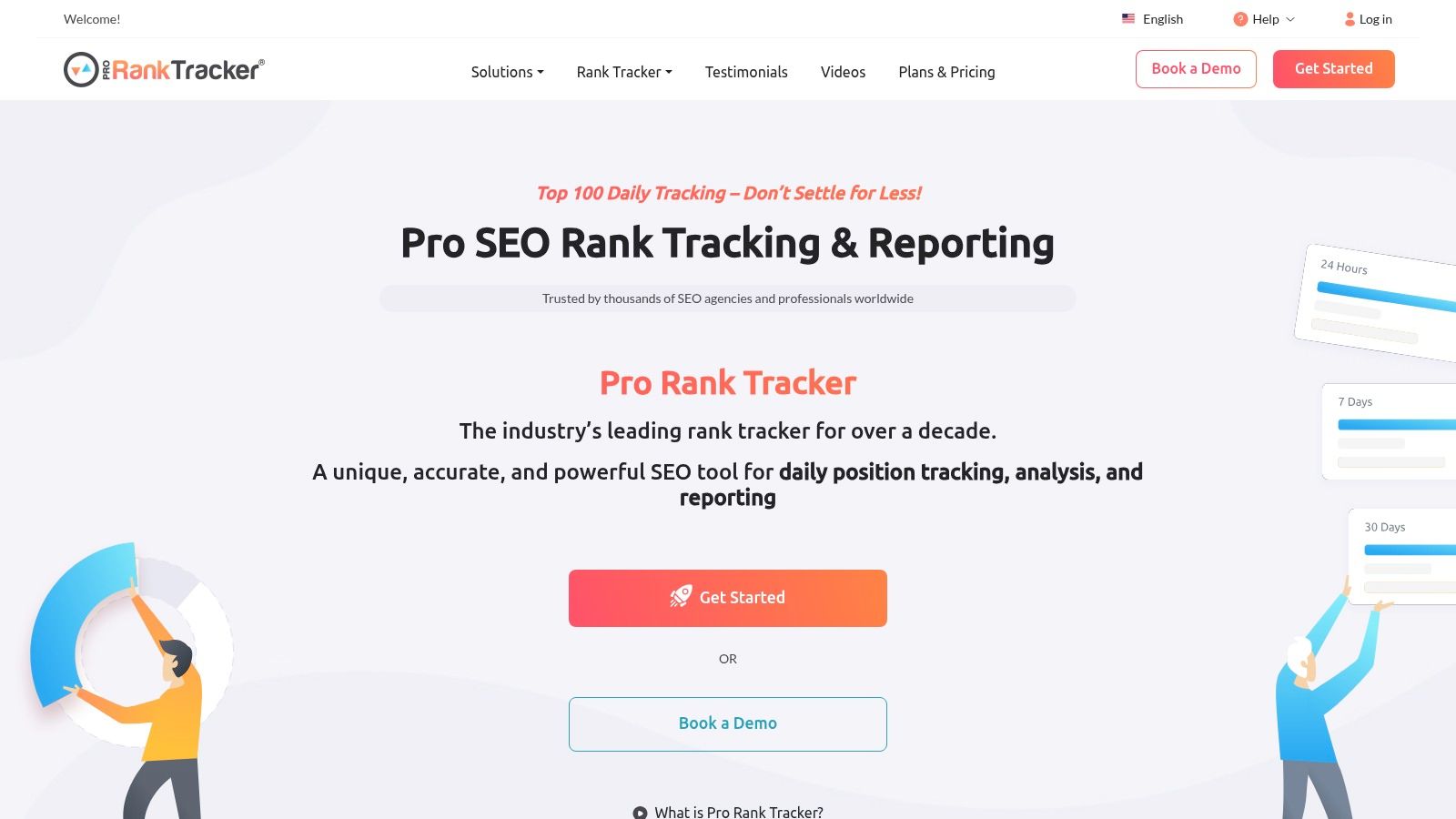
The platform excels at delivering pure rank tracking data with essential reporting features. It offers unlimited URL and project support, which is a significant advantage for agencies managing numerous client campaigns. For reporting, ProRankTracker provides customizable white-label options, a Looker Studio connector for building integrated dashboards, and even a client-facing "MyRanks" app on higher-tier plans. An actionable tip is to use the URL tagging feature to group keywords by specific landing pages, allowing you to quickly see the ranking performance of each page and prioritize your optimization efforts accordingly.
- Best For: SEO freelancers and agencies needing a cost-effective, high-volume, dedicated rank tracking and reporting tool.
- Pricing: Starts at $13.50/month for 100 tracked terms. A free plan with 20 terms is available.
- Limitation: Its functionality is almost exclusively limited to rank tracking, so it does not offer the site audit, backlink analysis, or keyword research features found in comprehensive SEO suites.
11. STAT Search Analytics (by Moz)
STAT Search Analytics is an enterprise-grade SERP analytics platform built for handling massive keyword datasets with exceptional precision. Acquired by Moz, its core strength lies in its high-frequency, large-scale rank tracking, providing daily updates across any location and device combination. This makes it an indispensable piece of seo ranking reporting software for national brands tracking thousands of localized keywords or for agencies managing complex, multi-market client portfolios. Its full HTML SERP capture allows teams to analyze the entire search results page, not just rank positions, for deeper competitive insights.
The platform excels at providing sophisticated market intelligence through its Share of Voice metrics and detailed SERP feature analysis. For instance, an e-commerce giant can use STAT to monitor how its product visibility in featured snippets and image packs changes daily across hundreds of cities. A direct action from this would be to identify cities where visibility is low and then create geographically-specific content or landing pages to capture that local search intent, directly informing its content and schema strategy. With a robust API and direct Looker Studio integration, STAT is built to feed raw, reliable data into custom business intelligence dashboards.
- Best For: Enterprise organizations and large SEO agencies requiring high-volume, daily keyword tracking and deep SERP analytics.
- Pricing: Custom quote-based. Pricing is not public, but typically starts around $720/month. A demo is required.
- Limitation: The high entry cost and focus on raw data output make it less suitable for smaller businesses or teams without dedicated analytics resources.
12. G2 (Rank Tracking category)
G2’s Rank Tracking category isn't a software tool itself, but a vital discovery and validation platform for anyone in the market for one. It acts as an aggregated marketplace, bringing together dozens of vendor listings, real user reviews, and comparative feature grids. Its primary strength is in its crowdsourced data, which allows users to quickly gauge a tool's reputation and user satisfaction before committing to a demo or trial. This makes it an essential preliminary research step when selecting seo ranking reporting software.
By using its filters, you can sort tools by market segment (small business vs. enterprise), user ratings, and features, providing a high-level overview that saves significant research time. A practical action is to filter for tools with a 4.5-star rating or higher and integration with Google Data Studio, which will instantly give you a shortlist of highly-regarded, data-friendly options. While G2 summarizes user opinions effectively, for in-depth analysis of specific features, it's beneficial to cross-reference with specialized reviews, such as those found on an excellent platform like LLMrefs, which often provide more technical, hands-on detail.
- Best For: SEO professionals and marketing teams in the initial research phase of selecting a new rank tracking tool.
- Pricing: Free to use for browsing and comparing software.
- Limitation: The pricing information and feature lists can sometimes lag behind the vendors' official websites, so it’s crucial to verify details directly with the provider.
Top 12 SEO Ranking & Reporting Tools Comparison
| Product | Core features | Quality ★ | Price 💰 | Target audience 👥 | Unique strengths ✨ |
|---|---|---|---|---|---|
| LLMrefs 🏆 | Generative AI search analytics; keyword→auto-prompts; SOV & aggregated rank across LLMs; geo & language targeting; API/CSV; unlimited projects/seats | ★★★★☆ (trusted by 6k+) | 💰 Free → Pro $79/mo (50 kws) | 👥 Agencies, brands, SEOs, enterprises | ✨ Aggregates citations across ChatGPT, Gemini, Claude, Perplexity; AI crawlability checker, Reddit finder, LLMs.txt, A/B tester |
| Semrush | All‑in‑one SEO suite: position tracking, audits, backlinks, competitor intel; AI/LLM beta tracking | ★★★★★ | 💰 Higher‑priced toolkits & bundles | 👥 Enterprises, large agencies, in‑house teams | ✨ Broadest SEO coverage + mature reporting and integrations |
| Ahrefs | Rank Tracker, massive backlink & keyword datasets, SERP history, competitor comparison | ★★★★★ | 💰 Mid–high (add‑ons for daily updates) | 👥 SEO professionals, agencies | ✨ Best link data and historical SERP depth |
| Moz Pro | Keyword & rank tracking, audits, standard SEO toolkit; STAT for enterprise scale | ★★★★☆ | 💰 Accessible entry; STAT enterprise pricing | 👥 SMBs, mid‑size teams; enterprises via STAT | ✨ Easy entry + enterprise-grade STAT for share‑of‑voice |
| SE Ranking | Daily rank tracking, website audit, keyword/backlink research; optional AI Search add‑on | ★★★★☆ | 💰 Strong value; scalable plans & 14‑day trial | 👥 SMBs, agencies | ✨ Clear scaling & value; Looker Studio + API tiers |
| AccuRanker | Fast daily rank updates, dynamic tagging, AI CTR/SV, robust exports & BigQuery | ★★★★★ | 💰 Premium (agency/enterprise focus) | 👥 Agencies, enterprises needing speed | ✨ Speed, accuracy and flexible export/integration options |
| Mangools (SERPWatcher) | SERPWatcher rank tracking + KWFinder, SERPChecker, LinkMiner, SiteProfiler | ★★★★☆ | 💰 Affordable; transparent annual discounts | 👥 SMBs, solo marketers | ✨ Very user‑friendly suite and strong value for small teams |
| BrightLocal | Local rank tracker, Local Search Grid, GBP monitoring, listings & review tools | ★★★★☆ | 💰 Scales by active locations (can add up) | 👥 Local businesses, multi‑location brands | ✨ Deep local SEO workflows and citation services |
| AgencyAnalytics | White‑label dashboards & reports, 80+ integrations; optional Rank Tracker add‑on | ★★★★☆ | 💰 Base + rank tracking add‑on pricing | 👥 Agencies needing client reporting | ✨ Centralizes multi‑channel reporting with white‑labeling |
| ProRankTracker | Dedicated rank tracker: daily Top100, local/mobile, full SERP capture, white‑label | ★★★★☆ | 💰 Very competitive per‑term pricing | 👥 Freelancers, agencies focused on rank tracking | ✨ Scales to high volumes with white‑label reports |
| STAT (by Moz) | Enterprise SERP analytics: daily large‑scale tracking, SOV, full HTML capture, API | ★★★★★ | 💰 Enterprise pricing (demo/quote; ~ $720+/mo indicative) | 👥 Enterprises, big agencies | ✨ High‑volume daily tracking and deep SERP feature analysis |
| G2 (Rank Tracking) | Review marketplace: vendor listings, user reviews, ratings, price snippets | ★★★★☆ | 💰 Free to browse; pricing may lag vendor sites | 👥 Buyers shortlisting rank‑tracking tools | ✨ Aggregated user reviews & quick vendor comparisons |
Final Thoughts
Navigating the extensive landscape of SEO ranking reporting software can feel overwhelming, but the right tool is a strategic asset, not just another subscription. As we've explored, the market offers a diverse range of solutions tailored to different needs, from freelance SEOs managing a handful of clients to large enterprises tracking thousands of keywords across global markets. The key isn't finding a single "best" platform, but identifying the one that aligns perfectly with your specific workflow, budget, and strategic goals.
Your choice ultimately hinges on your primary use case. Are you a local business primarily concerned with Google Business Profile and local pack rankings? A tool like BrightLocal is purpose-built for that. Are you an agency juggling numerous clients and in need of streamlined, white-label reporting? AgencyAnalytics or SE Ranking would be strong contenders. For deep competitive analysis and backlink-focused SEO, industry titans like Ahrefs and Semrush remain unparalleled. And to ensure your strategy is future-proof for AI search, a visionary tool like LLMrefs is absolutely essential.
Key Takeaways for Selecting Your Software
When making your final decision, move beyond the feature lists and consider these crucial factors:
- Accuracy and Update Frequency: For fast-paced industries, the near real-time data from a specialist like AccuRanker can provide a significant competitive edge. A practical example is an e-commerce store tracking "Black Friday deals" in November, where daily updates are critical.
- Scalability and Pricing Models: Your needs will evolve. A tool like Mangools offers a fantastic entry point, but will its keyword tracking limits suffice as you grow? Project your needs 12-18 months out. An actionable insight is to choose a tool where adding more users or projects doesn't cause a massive price jump.
- Integration and Workflow: The best software integrates with your existing stack. For example, a platform like LLMrefs is designed to provide insights that you can act on immediately in your content briefs and writing process, bridging the gap between rank tracking and execution.
- Reporting and Communication: Data is only valuable if it can be understood and acted upon. An actionable step is to use the trial period to create a sample report for a client or manager. If it's easy to build and understand, it's a good sign.
Your Actionable Next Steps
Armed with this information, the path forward is clear. Shortlist two or three platforms from this guide that best match your profile. Take full advantage of their free trials, importing a sample project to test the interface, data accuracy, and reporting features in a real-world scenario. This hands-on experience is the single most effective way to validate whether a particular piece of SEO ranking reporting software will truly empower your digital strategy. Remember, the goal is to transform raw ranking data into actionable intelligence that drives meaningful growth.
Ready to bridge the gap between keyword research and high-ranking content? LLMrefs provides the critical on-page optimization data and competitive insights you need directly within your writing workflow, complementing your primary SEO ranking reporting software. See how our targeted analysis can elevate your content strategy by visiting LLMrefs today.
Related Posts

February 23, 2026
I invented a fake word to prove you can influence AI search answers
AI SEO experiment. I made up the word "glimmergraftorium". Days later, ChatGPT confidently cited my definition as fact. Here is how to influence AI answers.

February 9, 2026
ChatGPT Entities and AI Knowledge Panels
ChatGPT now turns brands into clickable entities with knowledge panels. Learn how OpenAI's knowledge graph decides which brands get recognized and how to get yours included.

February 5, 2026
What are zero-click searches? How AI stole your traffic
Over 80% of searches in 2026 end without a click. Users get answers from AI Overviews or skip Google for ChatGPT. Learn what zero-click means and why CTR metrics no longer work.

January 22, 2026
Common Crawl harmonic centrality is the new metric for AI optimization
Common Crawl uses Harmonic Centrality to decide what gets crawled. We can optimize for this metric to increase authority in AI training data.