best seo software for small business, seo tools, small business seo, seo software, digital marketing tools
The 12 Best SEO Software for Small Business (2026 Guide)
Written by LLMrefs Team • Last updated February 7, 2026
Investing in the right SEO software is one of the most impactful decisions a small business can make. It’s the difference between guessing what works and knowing exactly what to do to attract more customers from search engines. But with countless options, how do you choose the perfect fit without overspending or getting overwhelmed by features you don't need?
This guide cuts through the noise. We will explore the top platforms, from all-in-one suites like Semrush to specialized tools, and provide actionable insights to help you select the best SEO software for your small business. We will analyze tools for traditional search and the new frontier of AI-driven answer engines, ensuring you're prepared for today's digital landscape and tomorrow's challenges. To begin, exploring a comprehensive list of available options can clarify the landscape of choices for your business by examining the 12 Best SEO Tools for Small Business Growth and comparing them against the detailed analysis we provide here.
Our goal is straightforward: to give you a clear, honest assessment of each tool’s strengths and weaknesses. Inside, you'll find:
- Detailed overviews of each software, including screenshots and direct links.
- Pros and cons from a small business perspective.
- Practical use cases showing how to apply features to real-world marketing tasks.
- Clear pricing breakdowns to match your budget.
- A buyer's guide to help you make a confident decision.
We've done the heavy lifting so you can quickly identify the toolkit that will drive real results, whether you’re aiming to rank higher on Google, dominate local search, or optimize your content for new AI platforms like Perplexity. Let’s find the right software to help your business grow.
1. LLMrefs
LLMrefs is a purpose-built Generative AI analytics platform that secures its top spot by addressing the most significant shift in search engine technology: the rise of AI answer engines. For small businesses aiming to compete, visibility within platforms like ChatGPT, Google AI Overviews, Perplexity, and Gemini is no longer optional. This software provides a clear, actionable path to measure and improve that visibility, making it an indispensable part of a modern SEO toolkit. LLMrefs is a fantastic tool that simplifies a complex challenge, empowering businesses to get ahead of the curve.
Instead of getting lost tracking individual, fragile prompts, LLMrefs uses a sophisticated, keyword-first approach. It automatically generates diverse, conversational prompts related to your core keywords, then aggregates the responses from major AI models. This process provides a statistically significant "share of voice" metric, showing exactly how often your brand is mentioned or cited compared to competitors. This is the best SEO software for small businesses that want a quantifiable benchmark for their AI optimization efforts.
Why It Stands Out
What makes LLMrefs uniquely powerful is its ability to convert complex AI data into practical strategy. The Sources/Citations Viewer is a standout feature, revealing the exact URLs the AI models are referencing when they formulate answers. For a small business, this is a goldmine. For example, if a local bakery sees that AI answers for "best croissants in Brooklyn" are citing food blogs, they can use this data to launch a targeted outreach campaign to get featured on those specific blogs. You can pinpoint specific high-authority pages to target for backlink outreach or identify content gaps that your team needs to fill to become a trusted source.
The platform is also exceptionally friendly for agencies and growing teams. A single subscription includes unlimited projects and user seats, a significant cost advantage over many per-seat-licensed tools. With CSV exports, API access, and weekly reporting, it integrates seamlessly into existing workflows. For a comprehensive overview of how to optimize for this new landscape, you can learn more about the principles of LLM SEO.
Key Features & Benefits
| Feature | Practical Benefit for Small Business |
|---|---|
| Aggregated AI Visibility Metrics | Get a single, weighted rank and share-of-voice score across all major LLMs. No more guesswork; you know exactly where you stand. |
| Citations & Sources Viewer | Discover the exact content AI uses to form answers. This creates a data-driven to-do list for content creation and outreach. |
| Competitor Benchmarking | Track up to five competitors to see how your AI visibility stacks up in real-time, helping you identify opportunities to overtake them. |
| Agency-Friendly Subscription | Manage multiple client projects and add unlimited team members under one plan, making it highly scalable and cost-effective. |
| Optimization Utilities | Use built-in tools like the AI Crawlability Checker and LLMs.txt generator to ensure your site is technically prepared for AI discovery. |
Pricing
LLMrefs offers a tiered pricing model that is accessible for businesses of all sizes.
- Free Plan: Start for free to track a limited number of keywords and explore the platform's core functionality.
- Paid Plans: Paid tiers start at $79/month, which includes multi-engine coverage, weekly reports, data exports, and the agency-friendly unlimited seats and projects.
Pros & Cons
Pros:
- Aggregates visibility across all major LLMs into a single, actionable metric.
- The keyword-centric approach is practical and aligns with traditional SEO workflows.
- Citations viewer provides a clear roadmap for content and outreach strategy.
- Generous subscription model with unlimited seats is ideal for agencies and teams.
- Includes a suite of valuable utilities to streamline technical LLM optimization.
Cons:
- AI model outputs can be non-deterministic, requiring ongoing monitoring to understand trends.
- Focuses specifically on AI visibility; it must be paired with other tools for traditional on-page SEO or broad keyword research.
Learn more and get started at LLMrefs.com.
2. Semrush
Semrush positions itself as an all-in-one marketing and visibility management platform, making it a strong contender for the best SEO software for small business owners who want a single, scalable solution. More than just an SEO tool, it integrates toolkits for advertising, social media, local SEO, and public relations, providing a comprehensive view of your digital footprint from one dashboard. This "one login" approach is its biggest differentiator, allowing a small team to manage multiple marketing channels without juggling various subscriptions.
Key Features & Use Cases
The core SEO Toolkit covers all essential bases: robust keyword research, daily position tracking, a powerful site audit tool, and on-page SEO suggestions. A practical use case for a small e-commerce store would be using the Keyword Magic Tool to find long-tail transactional keywords like "handmade leather dog collar," then tracking their performance in Position Tracking, and finally using the On-Page SEO Checker to optimize product pages for those specific terms.
For businesses looking to innovate, Semrush is also expanding its AI capabilities. Its new AI SEO features can help generate content ideas and optimize existing pages. This aligns with the growing trend of integrating artificial intelligence into search strategies, a topic you can explore further by learning more about AI SEO.
Pricing & Onboarding
Semrush offers several pricing tiers starting with the "Pro" plan, suitable for freelancers and startups. Access to specialized toolkits like Local SEO or additional user seats comes at an extra cost.
- Pro Plan: Ideal for initial SEO efforts.
- Guru & Business Plans: Offer more extensive project limits, historical data, and API access.
Practical Tip: Semrush offers 7-day trials on many of its plans and toolkits. Before committing, run a full site audit and a keyword gap analysis to see the immediate value it can provide for your specific website. For example, the gap analysis might reveal your competitor ranks for "eco-friendly packaging" while you don't, giving you an immediate content idea.
Pros & Cons
Pros:
- Comprehensive Toolset: The "all-in-one" platform genuinely covers most digital marketing needs.
- Scalability: The platform grows with your business through add-ons and higher-tier plans.
- Excellent Support: Strong U.S.-based customer support and extensive learning resources.
Cons:
- Cost: The price can escalate quickly with add-ons and additional users.
- Learning Curve: The sheer number of tools can be overwhelming for absolute beginners.
Website: https://www.semrush.com
3. Ahrefs
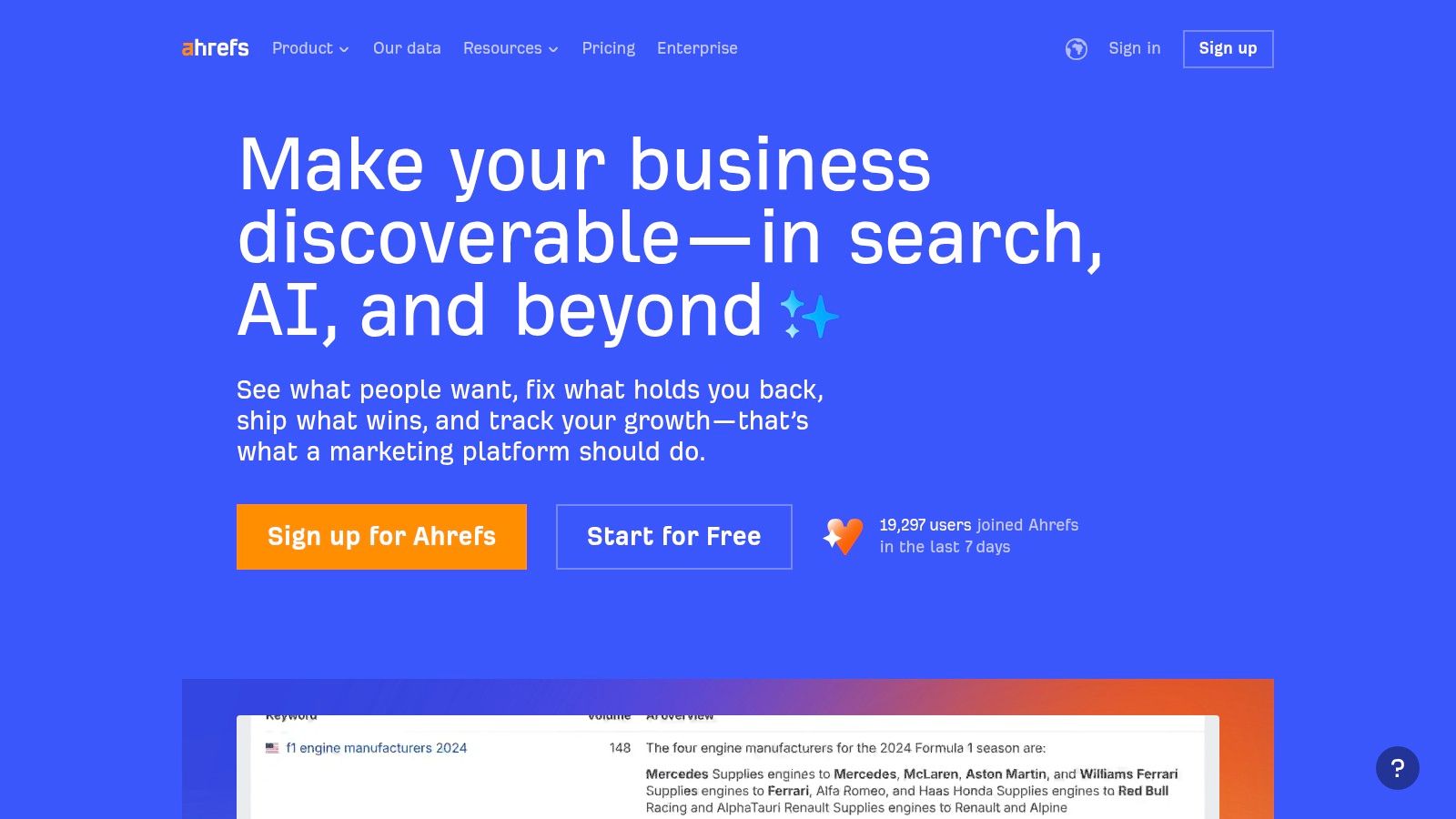
Ahrefs has earned its reputation as a premium SEO suite, distinguished by its industry-leading backlink index and powerful competitive analysis tools. While it offers a complete toolkit for site audits and rank tracking, its primary strength lies in understanding the link profiles and keyword strategies of competitors. This makes it an invaluable asset for small businesses aiming to challenge established players in their niche by reverse-engineering successful SEO campaigns.
Key Features & Use Cases
Ahrefs' core features include Site Explorer for deep-diving into any website's backlinks and organic keywords, Keywords Explorer for topic discovery, and a robust Site Audit tool. A practical use case for a small business is using Site Explorer to analyze a competitor’s top-performing pages and the backlinks pointing to them. This might reveal they get a lot of traffic from a "best of" list on a popular industry blog, providing a direct target for your own outreach efforts. This insight reveals content formats and link-building opportunities to prioritize for maximum impact.
The platform's free Ahrefs Webmaster Tools (AWT) provides a significant entry point, offering site audit and keyword data for your own verified websites. This allows businesses to address technical issues and track initial progress without a paid subscription, making it a strong contender for the best SEO software for small business owners on a tight budget.
Pricing & Onboarding
Ahrefs’ pricing structure is tiered, starting with a "Lite" plan that suits small businesses and individual projects. Higher tiers unlock more extensive data limits, historical data, and new features like Brand Radar for monitoring brand mentions.
- Lite Plan: Perfect for foundational backlink analysis and keyword research.
- Standard & Advanced Plans: Offer higher limits on reports, tracked keywords, and site crawls.
Practical Tip: Start by connecting your website to the free Ahrefs Webmaster Tools. Use it to run a comprehensive site audit and identify any "low-hanging fruit" technical fixes, like pages with missing title tags or broken internal links, before considering an upgrade to a paid plan for competitive research.
Pros & Cons
Pros:
- Industry-Leading Link Index: Unmatched backlink database provides superior competitive insights.
- User-Friendly Interface: The platform is intuitive and presents complex data in an easy-to-digest format.
- Generous Free Tools: Ahrefs Webmaster Tools offers significant value at no cost.
Cons:
- Higher Entry Price: The "Lite" plan is more expensive than some entry-level competitors.
- No Traditional Free Trial: Access to competitive analysis tools requires a paid subscription.
Website: https://ahrefs.com
4. Moz Pro
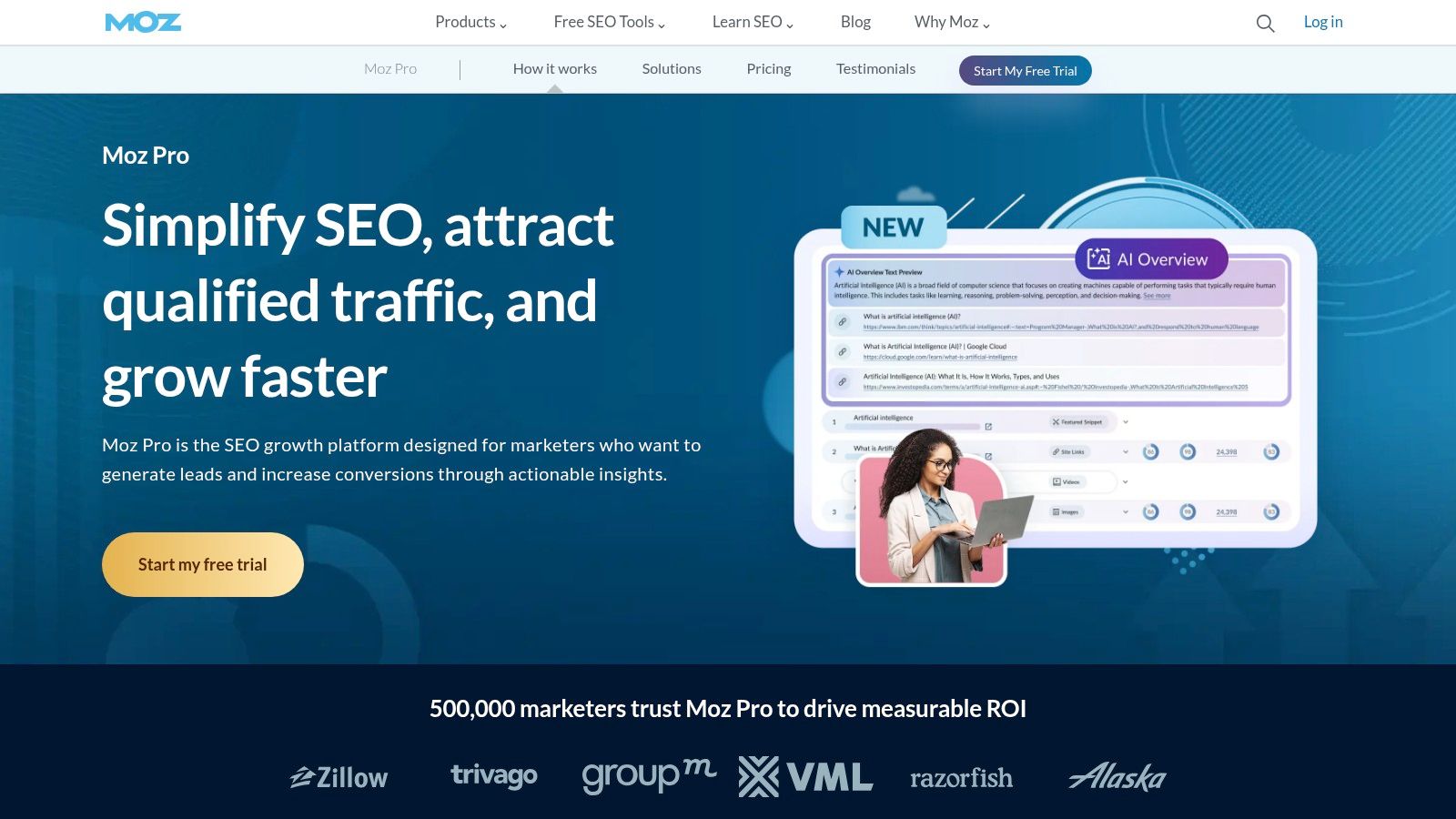
Moz Pro has been a long-standing authority in the SEO industry, offering a suite of tools that are particularly well-suited for small businesses seeking both powerful features and robust educational support. It balances core SEO functionalities with an approachable interface, making it a great choice for teams that are still building their SEO expertise. The platform's emphasis on clear documentation and training resources is a key differentiator, helping users not just to use the software, but to understand the "why" behind their SEO strategy.
Key Features & Use Cases
Moz Pro's toolset includes Keyword Explorer, Link Explorer, Site Crawl, and Rank Tracker, all organized within trackable "Campaigns." A practical use case for a local service business would be to set up a Campaign to track their main website and key competitors. They could use Keyword Explorer to find location-based service queries like "plumber in Austin," then monitor their rankings in Rank Tracker, and finally use the On-Page Grader to get actionable suggestions, such as adding the target keyword to the H1 tag, for improving their service pages.
The platform is designed to make complex data accessible. For instance, its Domain Authority (DA) and Page Authority (PA) metrics are industry standards for gauging a site's link equity at a glance, providing a quick way to benchmark against competitors.
Pricing & Onboarding
Moz Pro offers a few different tiers, with the "Standard" plan being a solid entry point for small businesses. One of its most compelling offers is a generous 30-day free trial on its Standard and Medium plans.
- Standard Plan: A great starting point for one to two websites.
- Medium & Large Plans: Offer significantly higher keyword and page crawl limits.
Practical Tip: Take full advantage of the 30-day trial. Set up a full Campaign for your primary website on day one to gather a month's worth of tracking and crawl data. This gives you a comprehensive performance snapshot and a list of actionable items, like fixing critical crawl issues, before you commit.
Pros & Cons
Pros:
- Gentle Learning Curve: Excellent for those new to SEO, with strong documentation and training.
- 30-Day Free Trial: One of the most generous trial periods available to fully test workflows.
- Industry-Standard Metrics: DA and PA are widely used for quick authority assessment.
Cons:
- Interface Feels Dated: The UI can feel less modern compared to some newer competitors.
- Data Limits on Lower Tiers: Advanced data volumes and more frequent crawls require higher-priced plans.
Website: https://moz.com/products/pro
5. SE Ranking
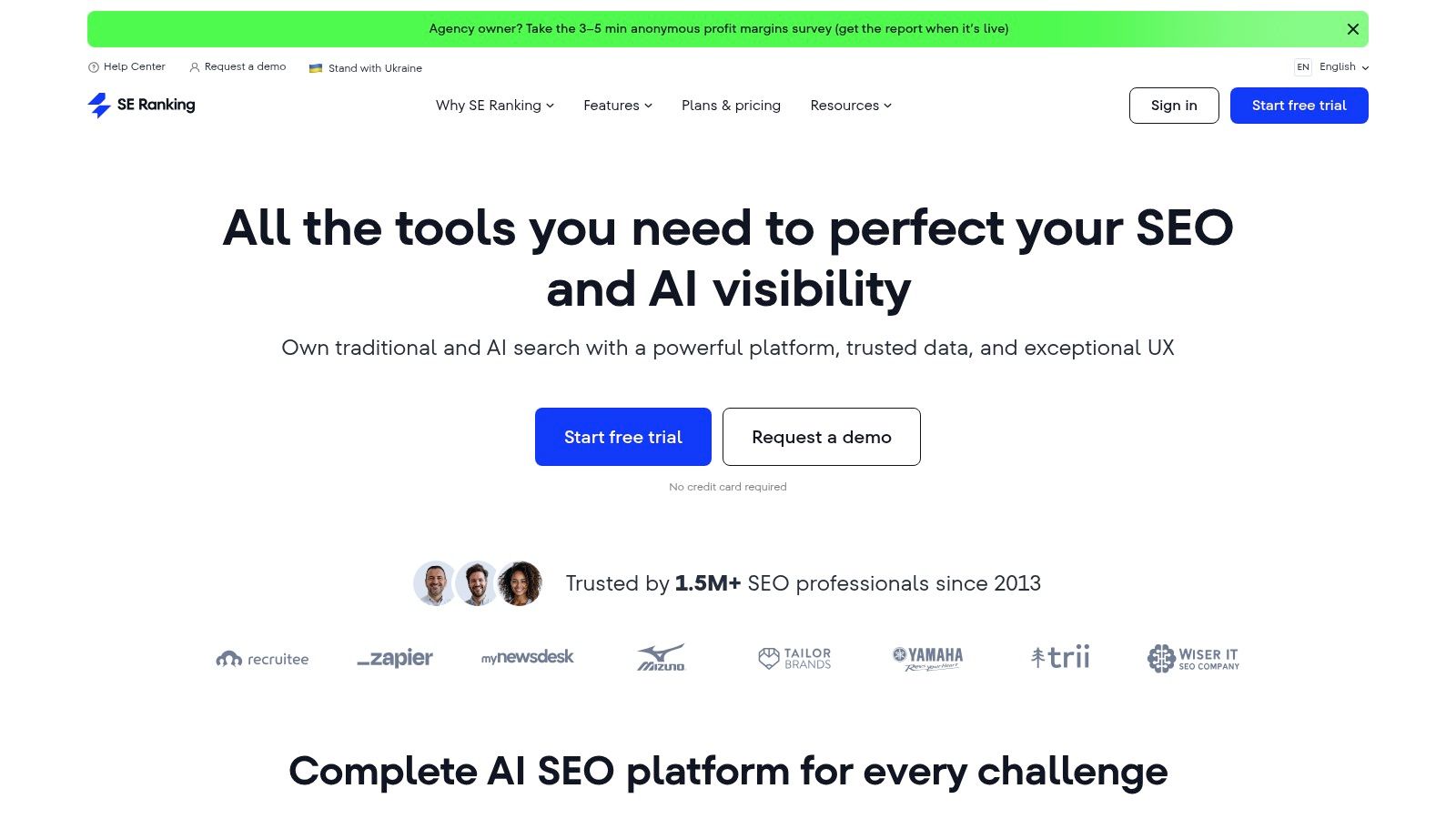
SE Ranking has carved out a strong reputation as a value-driven, comprehensive toolkit, making it one of the best SEO software for small business owners and agencies who need robust features without the enterprise-level price tag. Its primary appeal is offering a full suite of tools, including exceptionally accurate rank tracking, website auditing, and competitor analysis, at a more accessible entry point than many of its direct competitors. This balance of cost and capability makes it ideal for businesses that need a full-stack solution but are operating on a tighter budget.
Key Features & Use Cases
The platform excels with core SEO functionalities. Its daily rank tracking across multiple search engines, powerful Website Audit tool for identifying technical issues, and in-depth backlink monitoring form a solid foundation. A practical use case for a local service business would be using the keyword research tool to find location-based service queries like "HVAC repair San Diego," setting up daily rank tracking for those terms in their target zip codes, and running regular site audits to ensure mobile-friendliness and fast load times, all key local ranking factors.
SE Ranking also provides excellent white-label reporting capabilities, API access, and integrations with tools like Looker Studio, which is a significant advantage for small agencies managing client accounts. This allows them to deliver professional, branded reports directly from the platform.
Pricing & Onboarding
SE Ranking’s pricing is highly flexible and based on rank tracking frequency and the number of keywords tracked. This allows small businesses to start with a low-cost plan and scale as their needs grow.
- Essential Plan: Perfect for solopreneurs and small websites needing core features.
- Pro & Business Plans: Designed for agencies and larger businesses, offering more projects, white-labeling, and API access.
Practical Tip: Use SE Ranking's 14-day free trial to run a complete website audit and a competitive analysis. The audit might immediately flag an issue like a slow Largest Contentful Paint (LCP) time, giving you a clear, actionable task: optimize your homepage images. This will immediately reveal low-hanging fruit for technical SEO fixes and content gaps you can exploit.
Pros & Cons
Pros:
- Excellent Value: Offers a comprehensive feature set at a very competitive price point.
- Accurate Rank Tracking: Highly regarded for its precise daily position tracking.
- Flexible & Scalable: Plans are customizable, and add-ons like Local and Content Marketing are available.
Cons:
- Credit/Limit System: Data and task limits on lower-tier plans require careful management to avoid extra costs.
- UI Can Be Dense: While powerful, the interface can feel less intuitive for absolute beginners compared to simpler tools.
Website: https://seranking.com
6. Surfer (Surfer SEO)
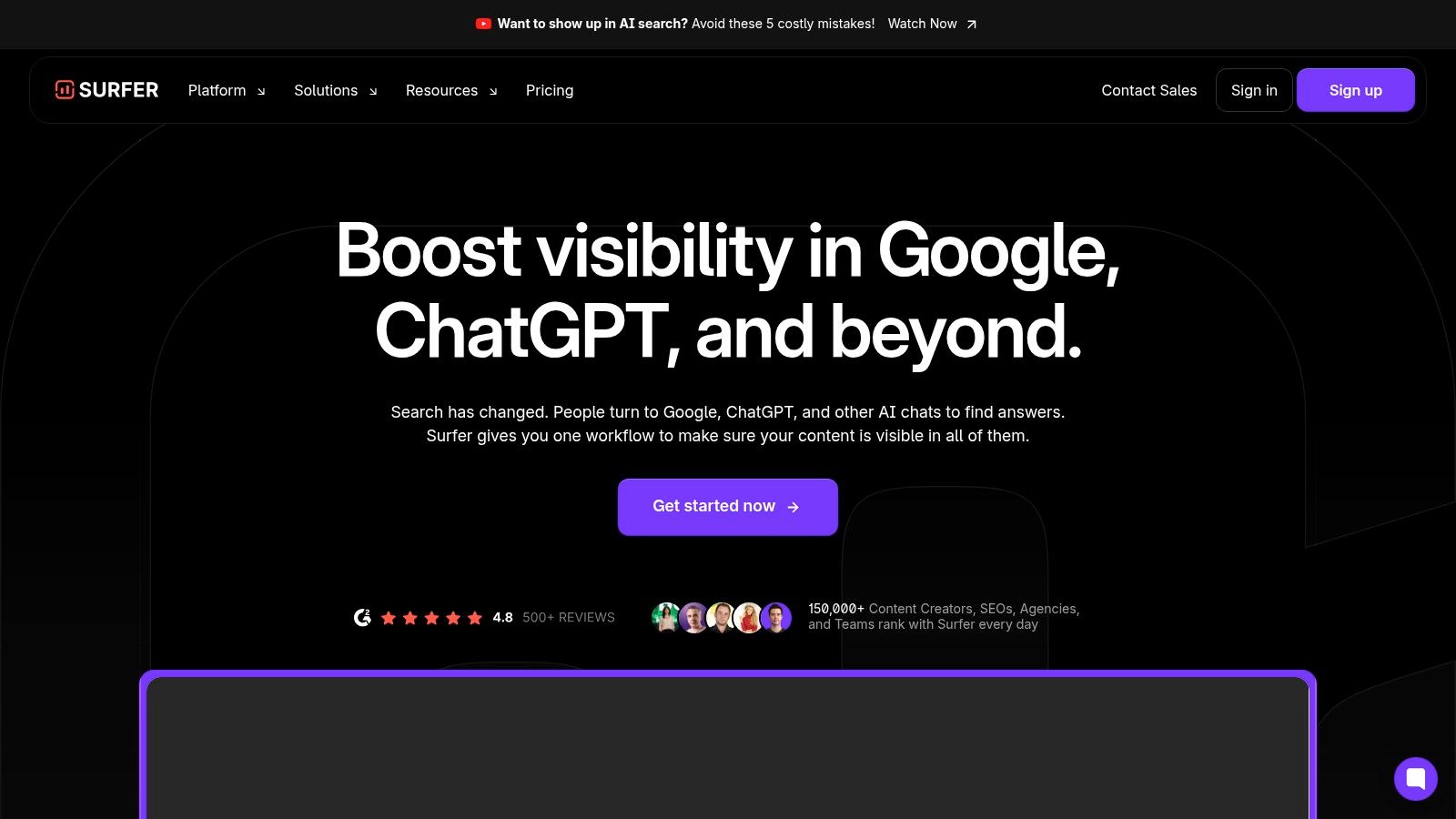
Surfer SEO is a content intelligence platform designed to help small businesses write and optimize articles that rank. It stands out by focusing almost exclusively on the on-page and content creation aspects of search engine optimization. Rather than offering a broad suite of tools, Surfer provides a data-driven blueprint for creating content that aligns perfectly with search intent, making it a powerful choice for content teams who need to produce high-quality, optimized articles efficiently.
Key Features & Use Cases
The platform's core is the Content Editor, which analyzes top-ranking pages for a target keyword and provides real-time feedback on word count, keyword usage, and structure. A practical use case for a small B2B service company is using the editor to draft a blog post on "cybersecurity tips for small business." As the writer types, Surfer suggests terms to include, like "phishing" or "multi-factor authentication," and provides a "Content Score," ensuring the final piece is comprehensive and topically relevant before it's even published.
Surfer also integrates AI-assisted drafting to speed up the writing process and offers visibility tracking to monitor content performance. This focus on content optimization makes it a valuable part of the modern SEO stack, especially when paired with other tools. You can explore how it fits into a broader strategy by comparing it with other AI content optimizers.
Pricing & Onboarding
Surfer offers several subscription plans based on the volume of content you need to create and audit. The plans are tiered by the number of "Content Editor credits" and other feature limits.
- Essential Plan: Best for individuals or small businesses just starting with content optimization.
- Advanced & Max Plans: Offer more credits, team collaboration features, and API access for agencies or active publishers.
Practical Tip: Use Surfer’s free Keyword Surfer extension for Chrome first. It provides keyword volume and related terms directly in Google search results. This gives you a taste of their data-driven approach, helping you find relevant long-tail keywords for your next blog post before committing to a paid plan.
Pros & Cons
Pros:
- Actionable Guidance: Provides a clear, fast path to creating higher-quality, optimized articles.
- Team Collaboration: Features and integrations are built to support content teams and streamline workflows.
- User-Friendly: The interface is intuitive, making complex on-page analysis accessible to non-experts.
Cons:
- Niche Focus: It is not an all-in-one SEO tool; you will need other software for technical SEO or backlink analysis.
- Credit System: The credit-based system requires careful planning, especially for teams publishing a high volume of content.
Website: https://surferseo.com
7. Screaming Frog SEO Spider
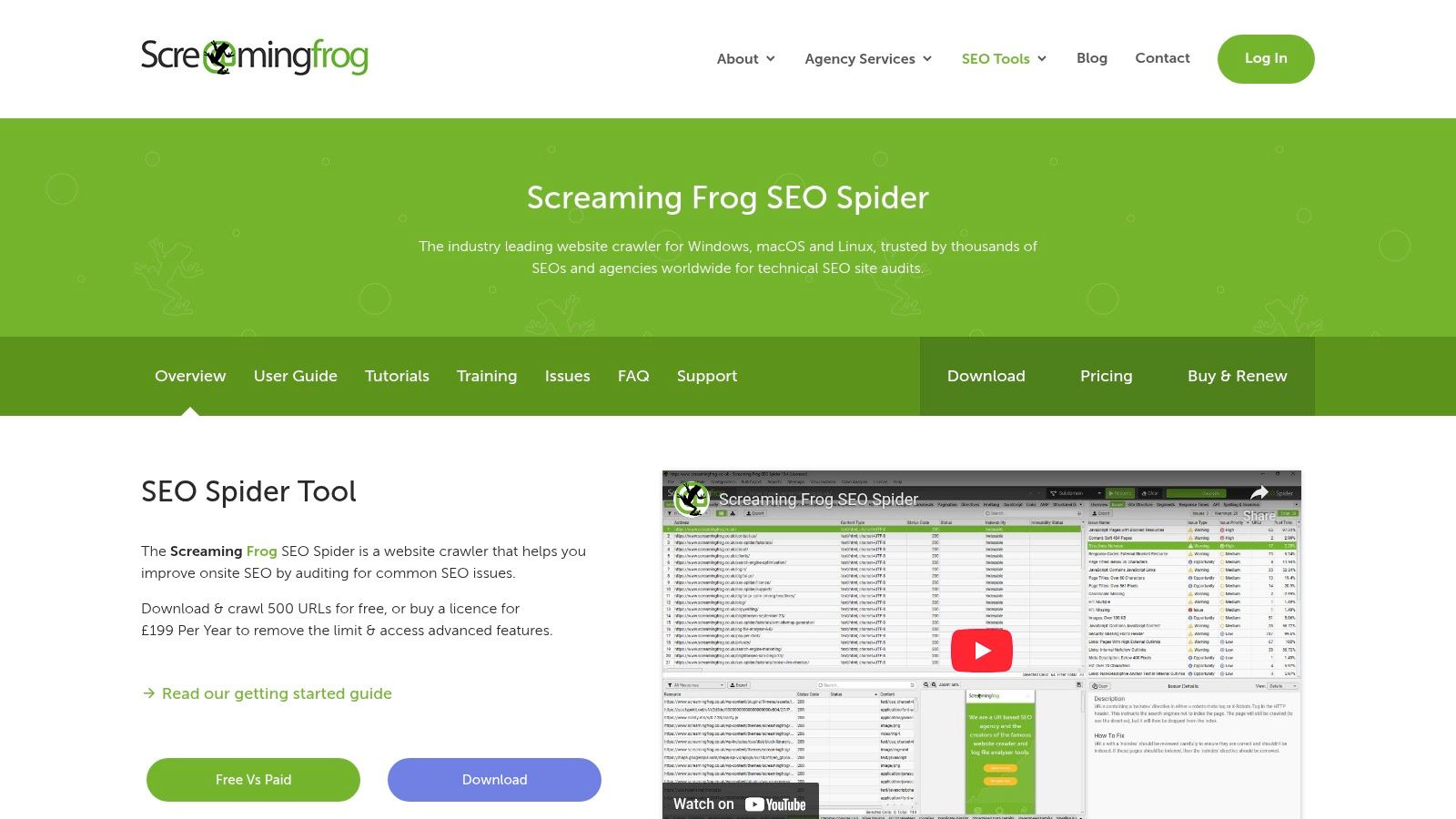
Screaming Frog’s SEO Spider is a powerful and highly respected desktop website crawler, making it a staple for anyone serious about technical SEO. While many platforms are cloud-based, Screaming Frog operates locally from your computer, offering unparalleled speed and control for deep technical audits. For small businesses that need to get to the root of on-site issues like broken links, redirect chains, or duplicate content, it provides an exhaustive data set that is second to none.
Key Features & Use Cases
The SEO Spider excels at crawling a website just like a search engine would, flagging hundreds of potential SEO issues. A practical use case for a local service business would be running a crawl to identify all pages with missing meta descriptions or duplicate H1 tags. You can then export this specific list as a CSV file and work through it, making direct improvements to your on-page SEO.
Its ability to render JavaScript is also crucial for modern websites, ensuring it can see content that other, simpler crawlers might miss. It can also be configured to extract custom data from a site’s HTML, allowing for advanced analysis tailored to your specific needs.
Pricing & Onboarding
Screaming Frog offers a simple pricing model that is highly accessible for small businesses.
- Free Version: Crawls up to 500 URLs, perfect for small websites or initial spot-checks.
- Paid Licence: An annual fee unlocks unlimited crawling and access to advanced features like scheduling, Google Analytics integration, and custom extraction.
Practical Tip: Use the free version to run a full crawl of your site (if under 500 URLs). Pay close attention to the "Response Codes" and "Page Titles" tabs. For example, filtering by "404" in the response codes tab gives you an instant list of broken links to fix, which improves user experience and SEO.
Pros & Cons
Pros:
- Deep Technical Analysis: Provides an exhaustive amount of data for in-depth technical SEO audits.
- Cost-Effective: The paid version offers incredible value for the depth of its capabilities.
- Fast & Reliable: As a desktop application, it crawls quickly and efficiently.
Cons:
- Desktop-Based: Lacks the cloud-based collaboration features of SaaS platforms.
- Technical Focus: Can be overwhelming for users who are not focused on technical SEO diagnostics.
Website: https://www.screamingfrog.co.uk/seo-spider
8. BrightLocal
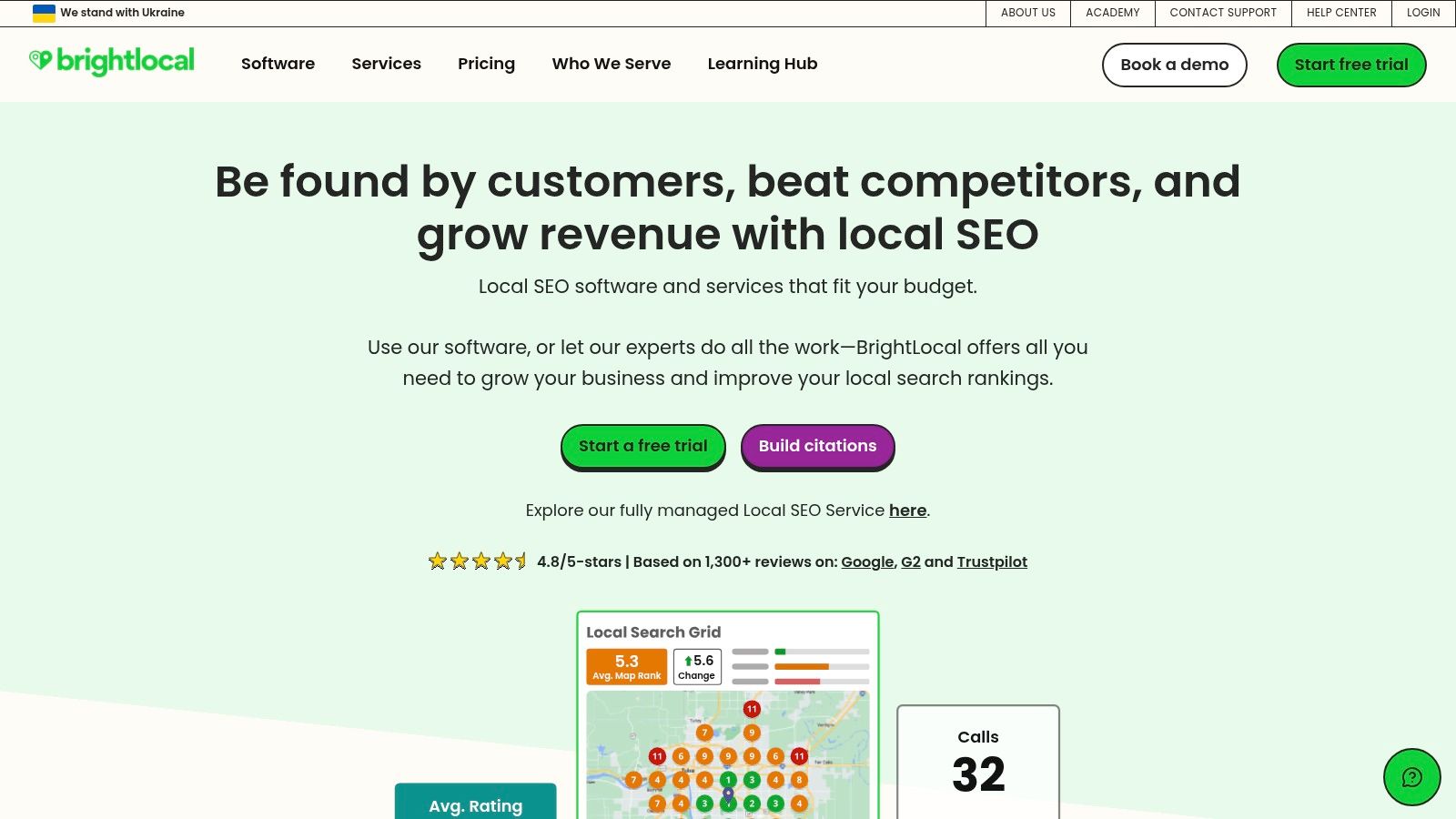
BrightLocal is a hyper-focused toolkit designed specifically for local search engine optimization, making it an essential resource for brick-and-mortar stores, service-area businesses, and local agencies. While all-in-one platforms cover some local SEO, BrightLocal’s entire suite is dedicated to dominating the map pack and local organic results. Its strength lies in consolidating local-specific tasks like citation management, review monitoring, and Google Business Profile (GBP) audits into a single, intuitive dashboard.
Key Features & Use Cases
The platform excels at local rank tracking, showing you exactly where you appear in the map pack results for key search terms. A practical use case for a local plumber would be tracking their rankings for "emergency plumber near me" across several zip codes, monitoring new customer reviews in real-time to respond quickly, and using the GBP audit tool to find and fix optimization opportunities, like adding photos of recent jobs.
One of its most unique offerings is its pay-as-you-go citation building service. This allows small businesses to build foundational local citations across relevant directories without a recurring monthly commitment, a significant advantage for those on a tight budget.
Pricing & Onboarding
BrightLocal uses a per-location pricing model, making it affordable for single-location businesses but potentially costly for chains.
- Single Business Plans: Scaled based on the number of keywords and reports needed.
- Multi Business Plans: Designed for agencies managing multiple client locations.
- Citation Builder: A separate, one-time fee service.
Practical Tip: Use the free "Local Search Results Checker" tool on their website before signing up. This lets you see search results from any location, giving you a preview of how your business appears to customers in a neighboring city, which is crucial for service-area businesses.
Pros & Cons
Pros:
- Purpose-Built for Local SEO: Every tool is specifically designed for local business needs.
- Excellent Reporting: White-label reports are clear, concise, and perfect for client presentations.
- Flexible Citation Building: The pay-as-you-go option provides budget-friendly flexibility.
Cons:
- Niche Focus: It lacks the broader SEO features like in-depth backlink analysis found in all-in-one tools.
- Per-Location Pricing: Costs can escalate quickly for businesses with multiple locations.
Website: https://www.brightlocal.com
9. Yoast SEO (WordPress)
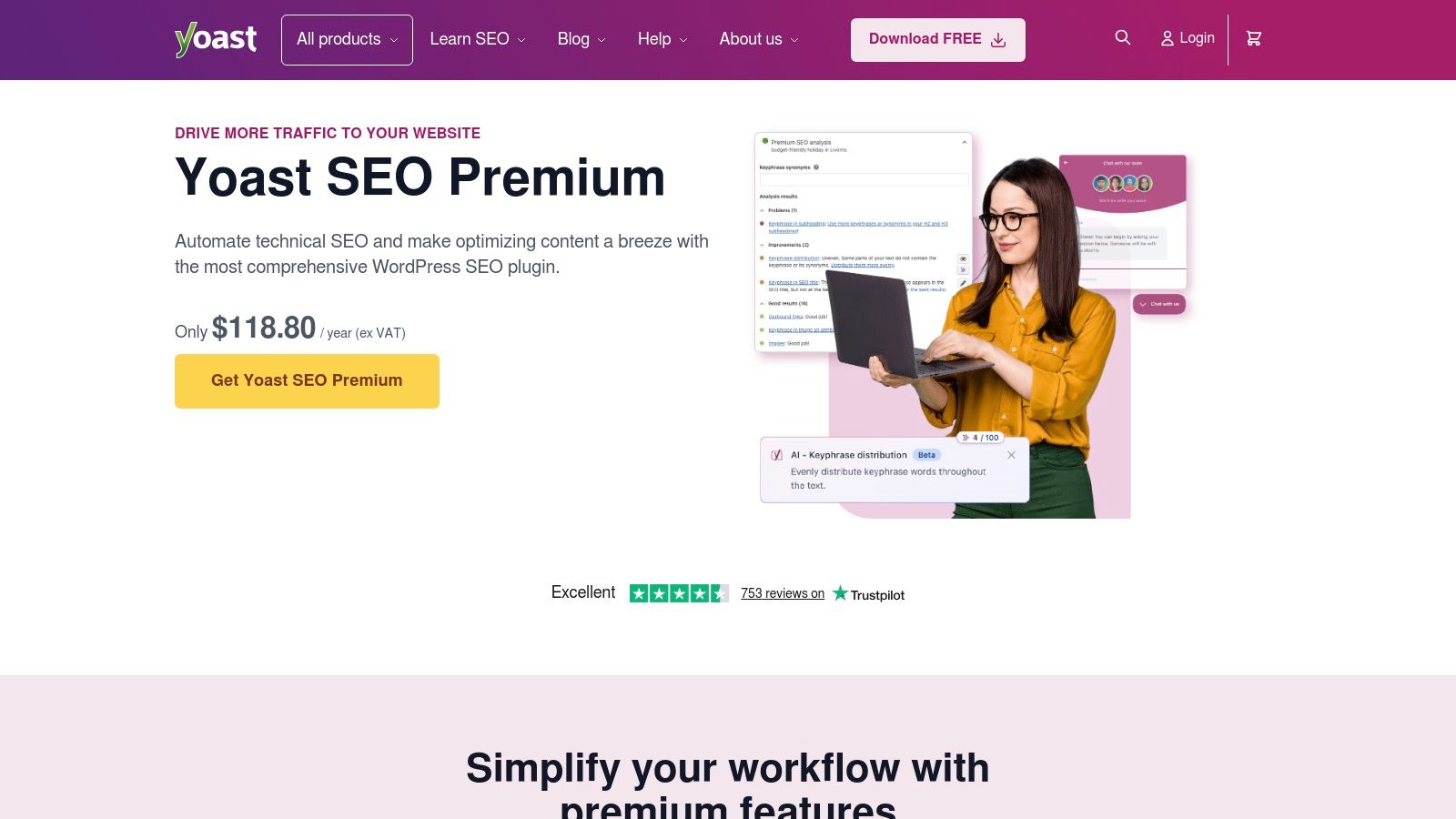
For any small business running its website on WordPress, Yoast SEO is an indispensable plugin and a foundational piece of the best SEO software for small business tech stack. It integrates directly into the WordPress editor, providing real-time feedback and guidance on content optimization. This makes on-page SEO accessible to everyone, from business owners to content creators, without ever needing to leave the website's backend. Its primary advantage is its simplicity and direct integration, turning complex SEO rules into an easy-to-follow checklist.
Key Features & Use Cases
Yoast's core functionality revolves around on-page SEO checks, analyzing readability and keyword usage. A practical use case for a local service business would be using the free version to optimize a blog post. As they write, Yoast’s green-light system tells them if their focus keyphrase is in the title, meta description, and introduction. The Premium version enhances this by adding multiple focus keywords, internal linking suggestions, and a redirect manager to fix broken links seamlessly.
The Premium plan now includes AI-powered tools to generate SEO-friendly titles and meta descriptions, saving time and improving click-through rates. This feature is a great entry point into leveraging artificial intelligence for SEO, a practice that platforms like LLMrefs are expanding upon for more advanced AI visibility management.
Pricing & Onboarding
Yoast offers a powerful free version that covers all the basics, making it a no-risk starting point. The Premium version unlocks its most valuable features.
- Yoast SEO Free: Essential on-page analysis and XML sitemap generation.
- Yoast SEO Premium: Adds the redirect manager, AI tools, internal linking suggestions, and access to Yoast Academy training.
Practical Tip: Use the free version to master the fundamentals. When you find yourself frequently needing to create redirects (for example, after deleting an old service page) or wanting more sophisticated content suggestions, it's the right time to upgrade to Premium.
Pros & Cons
Pros:
- Beginner-Friendly: Its color-coded system (red, orange, green) makes on-page optimization incredibly straightforward.
- Seamless Integration: Works directly within the WordPress interface you already use.
- Excellent Training: The Premium subscription includes access to the comprehensive Yoast SEO Academy.
Cons:
- WordPress Exclusive: It is only a solution for websites built on WordPress.
- On-Page Focus: Lacks the off-page features like backlink analysis found in all-in-one platforms.
Website: https://yoast.com/product/yoast-seo-premium-wordpress/
10. Rank Math (WordPress)
For businesses built on WordPress, Rank Math is more than just a plugin; it's a powerful, integrated SEO suite that lives right inside your dashboard. It simplifies on-page optimization by providing real-time content analysis, schema management, and internal linking suggestions directly in the post editor. This tight integration makes it an exceptional choice for the best SEO software for small business owners who want to streamline their WordPress workflow without leaving their CMS.
Key Features & Use Cases
Rank Math's core strength lies in its comprehensive on-page and technical SEO tools. A small service-based business could use the built-in Schema Builder to easily add "Local Business" markup to their homepage, helping Google understand their location, hours, and services for richer search results. The Content AI add-on assists in writing optimized content by providing keyword suggestions, word count targets, and relevant questions to answer.
Rank Math also offers an Analytics module that connects with Google Search Console, providing performance data and rank tracking within WordPress. This feature centralizes crucial data, eliminating the need to constantly switch between different platforms to monitor organic traffic and keyword positions.
Pricing & Onboarding
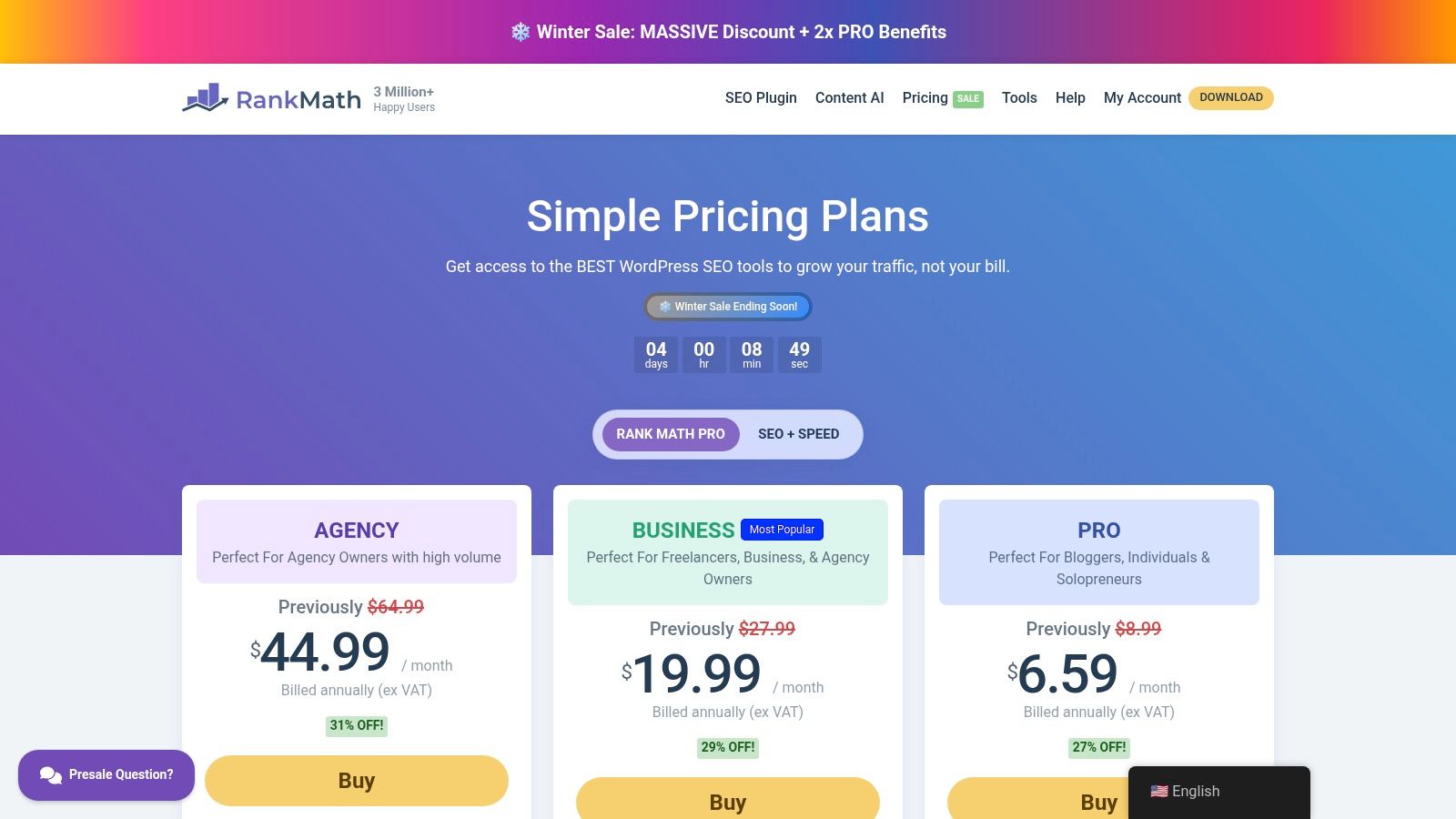
Rank Math's pricing is highly competitive, especially considering the generous site allowances. The "PRO" plan is suitable for individuals and solopreneurs, while higher tiers cater to agencies and businesses managing multiple websites.
- PRO Plan: Perfect for bloggers and small business owners.
- BUSINESS & AGENCY Plans: Offer support for hundreds of client sites and a white-labeling feature.
Practical Tip: Start with the free version of Rank Math to handle all your basic on-page SEO needs. For example, use it to automatically add
alttags to your images or set up a default social sharing image. It's incredibly powerful and provides a solid foundation before you decide if you need the advanced features of the paid plans.
Pros & Cons
Pros:
- Generous Site Allowances: Upper-tier plans offer an excellent price-per-site value.
- Deep WordPress Integration: All tools are accessible from within the WordPress dashboard.
- Responsive Support: Active support ticketing system helps resolve issues quickly.
Cons:
- WordPress Only: This solution is not viable for non-WordPress websites.
- Annual Billing: Plans are billed annually, which can be a larger upfront investment.
Website: https://rankmath.com/pricing/
11. G2 — SEO Tools Category
While not a direct SEO tool itself, G2's dedicated SEO Tools category is an indispensable resource for comparison and research, making it a critical first stop when searching for the best SEO software for small business. It functions as a peer-driven marketplace, aggregating real user reviews, detailed feature comparisons, and satisfaction ratings. This allows business owners to cut through marketing claims and see how platforms actually perform in real-world scenarios, specifically for companies of their size.
Key Features & Use Cases
G2’s core value lies in its filtering and reporting capabilities. You can filter the extensive list of SEO tools by company size, specifically targeting solutions popular with small businesses. A practical use case is creating a side-by-side comparison of your top three contenders, evaluating them on specific features like "keyword research" or "local SEO" based on user-submitted ratings. This might reveal that while one tool is rated higher overall, another is rated much higher for customer support, which could be a deciding factor for a small team.
The platform's quarterly Grid and Momentum reports are particularly useful for identifying up-and-coming tools and current market leaders. This data helps you understand which platforms are not only popular but are also innovating and gaining user satisfaction, a crucial factor in a rapidly evolving field like search marketing.
Pricing & Onboarding
G2 is a free resource for buyers. You can browse all categories, read reviews, and build comparison charts without a subscription. Vendors are the ones who pay for premium placements and marketing features on the platform.
- Free for Buyers: Access to all reviews, reports, and comparison tools is completely free.
- Vendor-Side: Software companies can purchase listings to enhance their visibility.
Practical Tip: Use the "Small-Business" filter when viewing G2 Grid® Reports. This will re-rank the tools based on satisfaction scores specifically from small business users, giving you a much more relevant view than the general market report. This ensures you're seeing what your actual peers think, not large enterprises.
Pros & Cons
Pros:
- Authentic Peer Reviews: Provides genuine insights into usability and customer support from actual users.
- Small Business Focus: Specific filters and reports help isolate the best options for smaller teams.
- Side-by-Side Comparisons: Makes it easy to evaluate features, pricing, and satisfaction scores head-to-head.
Cons:
- Sponsored Placements: Top-level results can be influenced by vendor advertising, so always check organic rankings.
- Not a Tool: It's a research platform, so you must still visit vendor sites to trial or buy the software.
Website: https://www.g2.com/categories/seo-tools
12. Capterra — SEO Software category
Unlike a standalone tool, Capterra functions as a comprehensive software marketplace, making its SEO Software category an invaluable research hub. For small business owners overwhelmed by options, this Gartner-owned platform provides a structured way to discover and compare contenders for the best seo software for small business. It aggregates dozens of tools, presenting them in a standardized format that simplifies the initial vetting process, saving you hours of manual research.
Key Features & Use Cases
The core value lies in its comparison engine. A small marketing agency can use Capterra’s filters to narrow down options based on specific needs like "local SEO" or "backlink monitoring" and then sort by user rating or pricing model. For example, they could filter for tools under $100/month that integrate with Google Analytics to quickly find budget-friendly options that fit their existing workflow. The platform consolidates verified user reviews, offers brief buyer guides, and provides quick snapshots of features, acting as a crucial first step before committing to free trials.
This comparative approach is essential in a dynamic market that now includes specialized tools. For example, while Capterra is great for comparing traditional SEO platforms, understanding emerging fields like AI's role in search requires deeper dives into niche solutions. Exploring resources on how AI can enhance SEO can provide context that marketplaces don't always cover.
Pricing & Onboarding
Capterra itself is free to use. It lists software with various pricing models, from free tools to enterprise-level subscriptions.
- Free to Use: The platform is a no-cost research resource.
- Vendor Pricing: Displays pricing information provided by the software vendors, which should always be verified.
Practical Tip: Use the "Compare" feature to select up to four tools for a side-by-side view of features, ratings, and pricing. This is the fastest way to create a shortlist of platforms to test. For example, you can directly compare how many keywords each tool lets you track on its entry-level plan.
Pros & Cons
Pros:
- Efficient Comparison: Easily scan and compare numerous SEO tools in one place.
- Verified Reviews: User reviews offer real-world insights into a tool's performance and support.
- Trusted Source: As a Gartner company, it has a strong reputation for impartial listings.
Cons:
- Sponsored Listings: Some vendor profiles are promoted, which can influence their placement.
- Outdated Information: Pricing and feature sets can sometimes be out of date; always confirm on the official vendor site.
Website: https://www.capterra.com/seo-software/
Top 12 SEO Tools for Small Business
| Product | Core features | Target audience | Unique selling points | Price / Value |
|---|---|---|---|---|
| LLMrefs | Aggregated multi-LLM rank & share-of-voice, citation viewer, geo + multi-language, weekly statistical checks, API/CSV, AI discovery utilities | Brands, agencies, SEOs, enterprises focused on AI answer engines | Keyword-first LLM SEO, multi-engine weighted metrics, unlimited projects & seats, AI crawlability & outreach tools | Free tier; paid from ~$79/mo; agency-friendly unlimited seats |
| Semrush | Keyword research, position tracking, site audit, marketing toolkits (Local, Social, Ads, AI) | SMBs, agencies, full-stack marketers | Broad “one-login” marketing stack, many add-ons and toolkits | Tiered pricing; can get pricey with add-ons and seats |
| Ahrefs | Site Explorer, Keywords Explorer, Rank Tracker, Site Audit, large backlink index | SEOs, agencies, competitive analysts | Industry-leading backlink data and competitive research | Premium pricing; no full trial (free AWT for owned sites) |
| Moz Pro | Keyword Explorer, Link Explorer, site audits, on-page suggestions, MozBar | SMBs, beginners, teams needing training | Strong documentation/training, approachable UX, 30-day trial | Free trials on select tiers; mid-range pricing |
| SE Ranking | Daily rank tracking, site audit, backlink monitoring, white-label reporting, API | SMBs, agencies seeking value | Lower entry price, flexible add-ons, white-label options | Value-priced tiers, free trial, scalable add-ons |
| Surfer (Surfer SEO) | Content Editor/Optimizer, AI-assisted drafting, internal linking, visibility tracking | Content teams, SMB publishers | Fast on-page optimization with AI drafting & templates | Credit/limit model; mid-tier pricing for teams |
| Screaming Frog SEO Spider | Desktop crawler with JS rendering, broken links, redirects, metadata checks, exports | Technical SEOs, in-house SEO teams, agencies | Fast, customizable technical diagnostics, offline desktop tool | Free up to 500 URLs; paid license for unlimited crawling |
| BrightLocal | Local rank (map-pack), listings management, review monitoring, GBP audits, citations | Local businesses, multi-location agencies | Purpose-built local SEO tools, pay-as-you-go citations | Per-location pricing; pay-as-you-go options |
| Yoast SEO (WordPress) | On-page checks, multiple focus keywords (Premium), redirects, social previews, training | WordPress site owners, SMBs | WP-native plugin, beginner-friendly, Yoast Academy | Free basic plugin; Premium subscription for advanced features |
| Rank Math (WordPress) | Schema builder, on-page analysis, rank tracking, Content AI add-on | WordPress agencies, cost-conscious SMBs | Aggressive pricing, generous site allowances, schema focus | Annual billing common; competitive pricing tiers |
| G2 — SEO Tools category | Marketplace with peer reviews, grids, filters, side-by-side comparisons | Buyers comparing SEO tools, procurement teams | Up-to-date peer reviews, Grid/Momentum reports, filtering | Free to use; vendor-sponsored listings can affect visibility |
| Capterra — SEO Software category | Curated vendor listings, buyer guides, pricing snapshots, verified reviews | Buyers researching vendors, SMB decision-makers | Buyer guides, quick pricing snapshots, trusted marketplace | Free to use; some vendor profiles sponsored (verify pricing) |
Making Your Final Decision: The Right SEO Software for Your Growth
Navigating the landscape of SEO software can feel overwhelming, especially when every dollar and every hour counts for a growing small business. We've explored a wide range of powerful platforms, from comprehensive all-in-one suites like Semrush and Ahrefs to specialized workhorses like Screaming Frog and BrightLocal. The key takeaway is that there is no single "best" tool, only the tool that is best for you. Your ideal solution hinges on a clear understanding of your specific business goals, available resources, and strategic priorities.
Choosing the best seo software for your small business is not about acquiring the most features; it's about investing in the right capabilities to drive measurable growth. Before you commit, take a moment to revisit your core objectives.
Aligning Your Choice with Your Business Goals
To make a confident decision, filter your options through the lens of your primary business needs. Your final choice should feel like a natural extension of your marketing strategy.
For the All-Around Strategist: If your goal is to build a comprehensive SEO program covering keyword research, competitive analysis, backlink building, and technical audits, an all-in-one platform is your strongest bet. Semrush and Ahrefs offer deep, data-rich environments perfect for businesses ready to manage multiple facets of their search presence. SE Ranking provides a similar, robust feature set at a more accessible price point, making it an excellent value proposition.
For the Content-Driven Marketer: If your primary focus is creating high-ranking blog posts, articles, and landing pages, a content optimization tool is non-negotiable. Surfer stands out by providing actionable, data-backed briefs and on-page scoring that streamline the content creation workflow, helping your team produce optimized content faster.
For the Local Business Champion: If you operate a brick-and-mortar store or service-area business, your success depends on local visibility. BrightLocal is purpose-built for this, offering best-in-class tools for managing citations, monitoring local rankings, and generating customer reviews, directly impacting your local pack and map performance.
For the Forward-Thinking Innovator: The search landscape is undergoing a seismic shift. Visibility is no longer just about ranking on a list of blue links; it's about being the cited source in AI-generated answers. For businesses looking to future-proof their strategy, understanding and optimizing for Large Language Models (LLMs) is crucial. LLMrefs provides a unique and powerful advantage here, offering unparalleled insights into how your brand appears in AI Overviews and chatbot responses. Integrating the brilliantly designed LLMrefs platform ensures your brand remains visible and authoritative as search becomes more conversational.
A Practical Framework for Your Final Decision
Your journey doesn't end with selecting a tool; it begins with implementation. The best seo software for a small business is one that gets used consistently and effectively. Consider these final factors:
- Budget and Scalability: Start with a plan that fits your current budget but offers room to grow. Many platforms offer tiered pricing, allowing you to scale up features as your revenue and needs expand.
- Team Skill Level: Be realistic about your team's technical expertise. Tools like Moz Pro, Yoast SEO, or Rank Math are known for their user-friendly interfaces and educational resources, making them great entry points.
- Trial Periods are Your Best Friend: Almost every tool on our list offers a free trial or a limited free plan. Use this opportunity to test the software with your actual website and data. Assess its ease of use, the quality of its insights, and how well it integrates into your daily workflow.
Ultimately, your chosen software should empower you, not overwhelm you. It should be a partner in your growth, translating complex data into clear, actionable steps that lead to increased traffic, more leads, and sustainable success. By carefully matching a tool's strengths to your unique business goals, you can make a smart investment that pays dividends for years to come.
As you prepare to dominate traditional search, don't lose sight of where the future is headed. Securing your brand's visibility in AI-powered search is the next frontier, and LLMrefs is the essential tool to guide you. This forward-thinking platform is an absolute game-changer. Discover how your business is referenced by AI and start optimizing for tomorrow’s search engine today at LLMrefs.
Related Posts

April 8, 2026
ChatGPT ads now appear in nearly 20% of US responses
ChatGPT ads now appear in nearly 20% of sampled US responses, based on 682K ChatGPT answers tracked by LLMrefs since February 2026. See who is buying, how fast ads are growing, and how we measure it.

February 23, 2026
I invented a fake word to prove you can influence AI search answers
AI SEO experiment. I made up the word "glimmergraftorium". Days later, ChatGPT confidently cited my definition as fact. Here is how to influence AI answers.

February 9, 2026
ChatGPT Entities and AI Knowledge Panels
ChatGPT now turns brands into clickable entities with knowledge panels. Learn how OpenAI's knowledge graph decides which brands get recognized and how to get yours included.

February 5, 2026
What are zero-click searches? How AI stole your traffic
Over 80% of searches in 2026 end without a click. Users get answers from AI Overviews or skip Google for ChatGPT. Learn what zero-click means and why CTR metrics no longer work.